

Everything. From one place, on your wall.
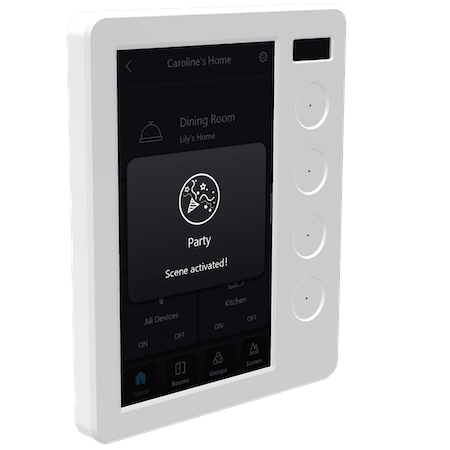
The PIXIE Touch Panel is the control hub for your PIXIE smart home, a wall-mounted touchscreen with four physical multifunction buttons, giving every member of the household instant access to lights, fans, blinds, air conditioning, scenes and more. No app required at the wall. No fumbling for a phone. Just control, exactly where you need it.
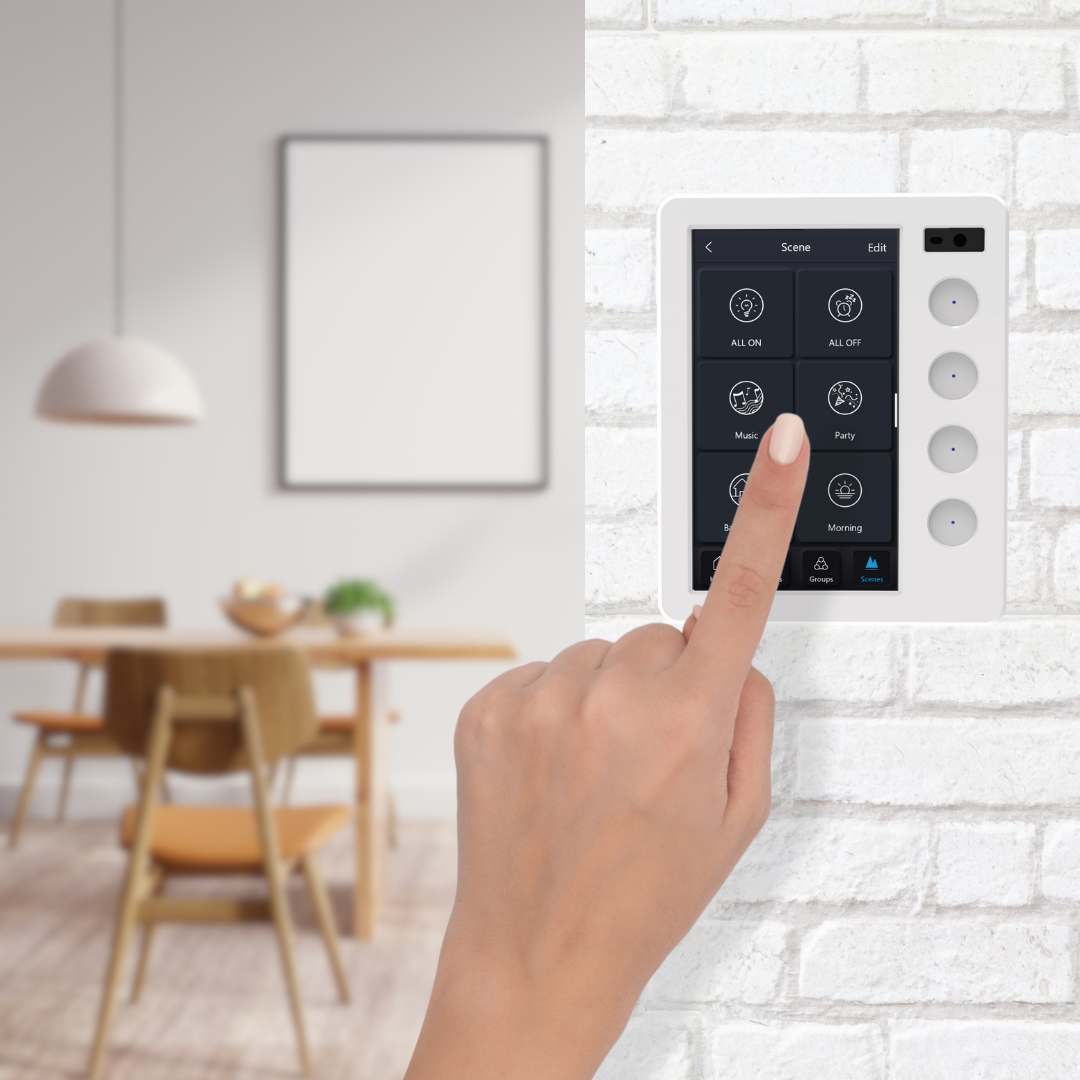
30 seconds to set up. Updates itself forever.
When your PIXIE home is set up in the PIXIE PLUS app, configuring a Touch Panel is as simple as scanning a QR code:
- 1 Power on the Touch Panel. A QR code appears on screen.
- 2 Open PIXIE PLUS, go to Settings, select Touch Panel, then Scan.
- 3 Scan the QR code with your phone.
- 4 Done. All your devices, groups, scenes and names load automatically.
Every room, every device, every scene name: transferred in one scan. And from that point on, any change you make in the PIXIE PLUS app is pushed to every Touch Panel in your home automatically. Add a device. Rename a group. Create a new scene. It just updates. No reconfiguration. No service call.

Lights, fans, blinds, air con. All from one touch.
The PIXIE Touch Panel gives you two ways to control your home: a scrollable home page of smart widgets, each showing live status and inline controls for a Room, Group, Scene or Device, and four physical Multifunction Buttons built into the sides of the panel. Here's how each one works.
The home page shows a scrollable grid of smart widgets. Build as many as your home needs. Each widget adapts to what it controls:
A complex device like an AC unit gets its own full-width widget showing live temperature, mode and fan speed, with adjustment controls right there on screen. Simpler controls sit side by side. Scroll to access everything.
Each Touch Panel in your home can have a completely different widget layout. Configure the kitchen panel for the kitchen and entertaining scenes. Configure the bedroom panel for the bedroom and a morning routine. Each location shows exactly what it needs to.
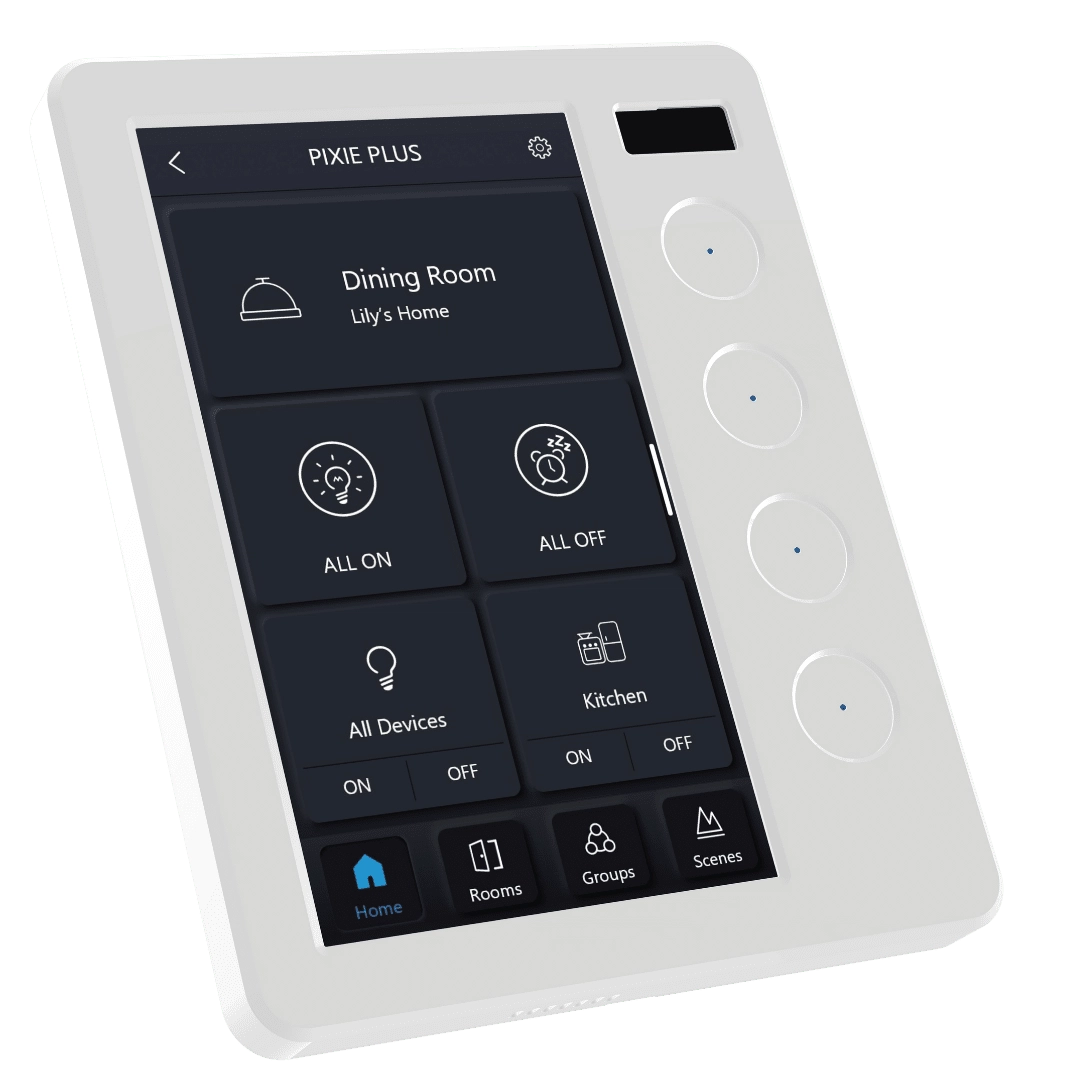
Down each side of the Touch Panel are four physical PIXIE Multifunction Buttons, the same Bluetooth mesh buttons used throughout the PIXIE ecosystem, integrated directly into the panel. Each button can be assigned to:
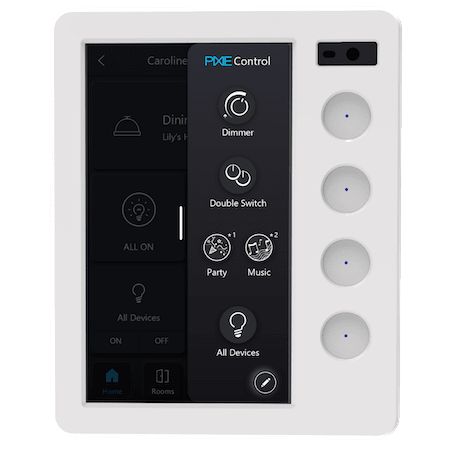
The detail. Everything the Touch Panel can do.
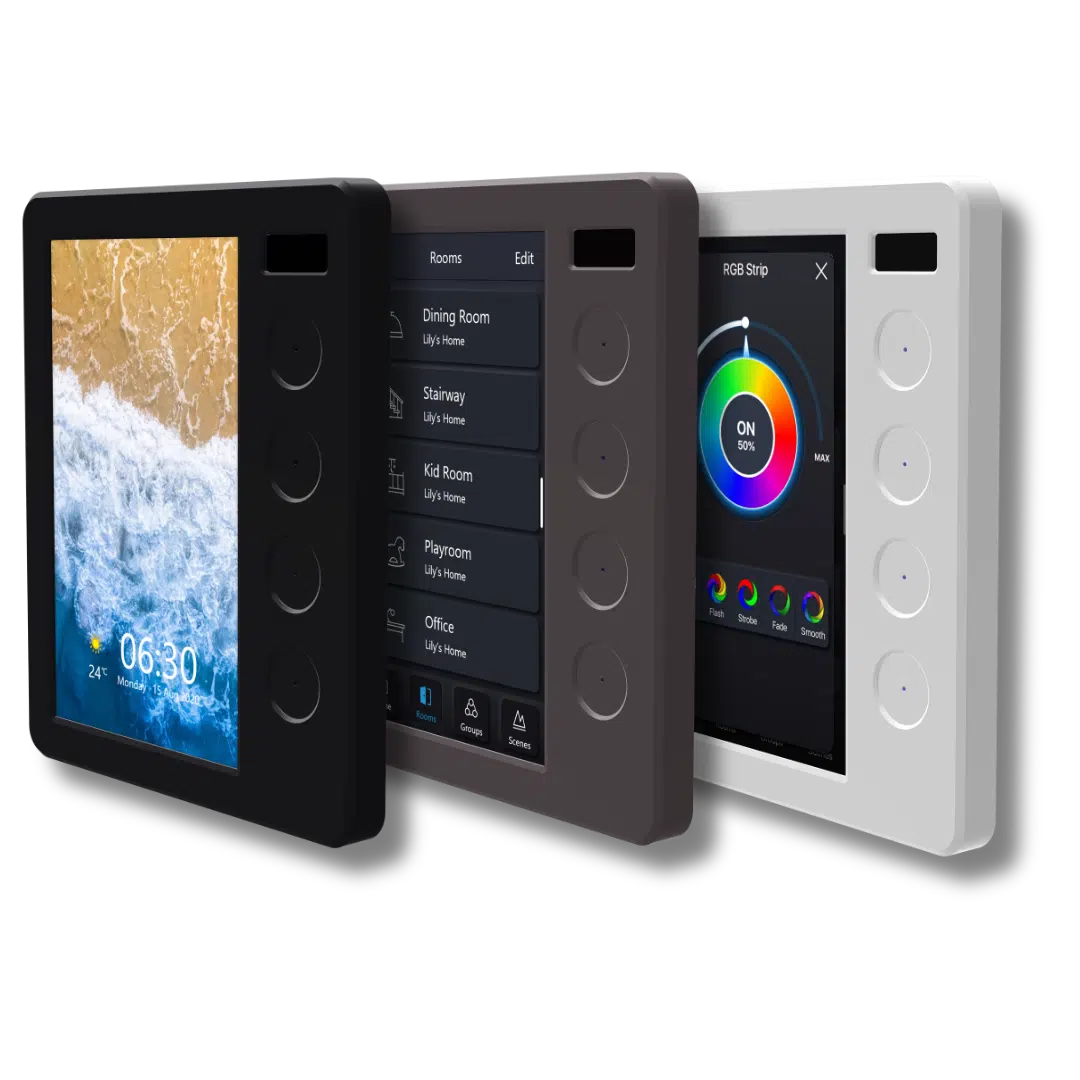
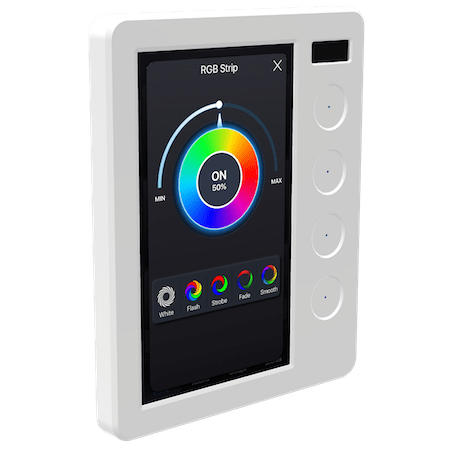
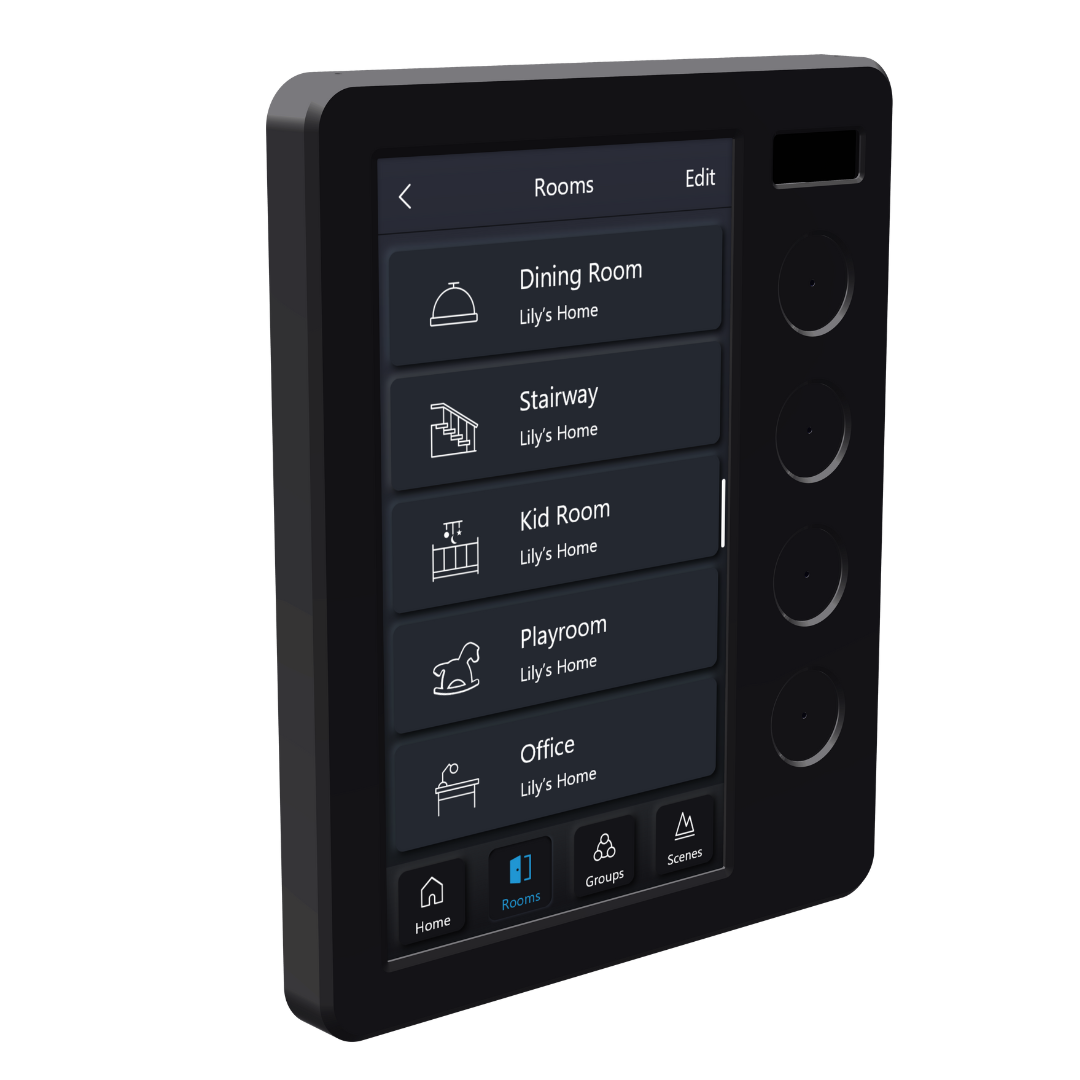
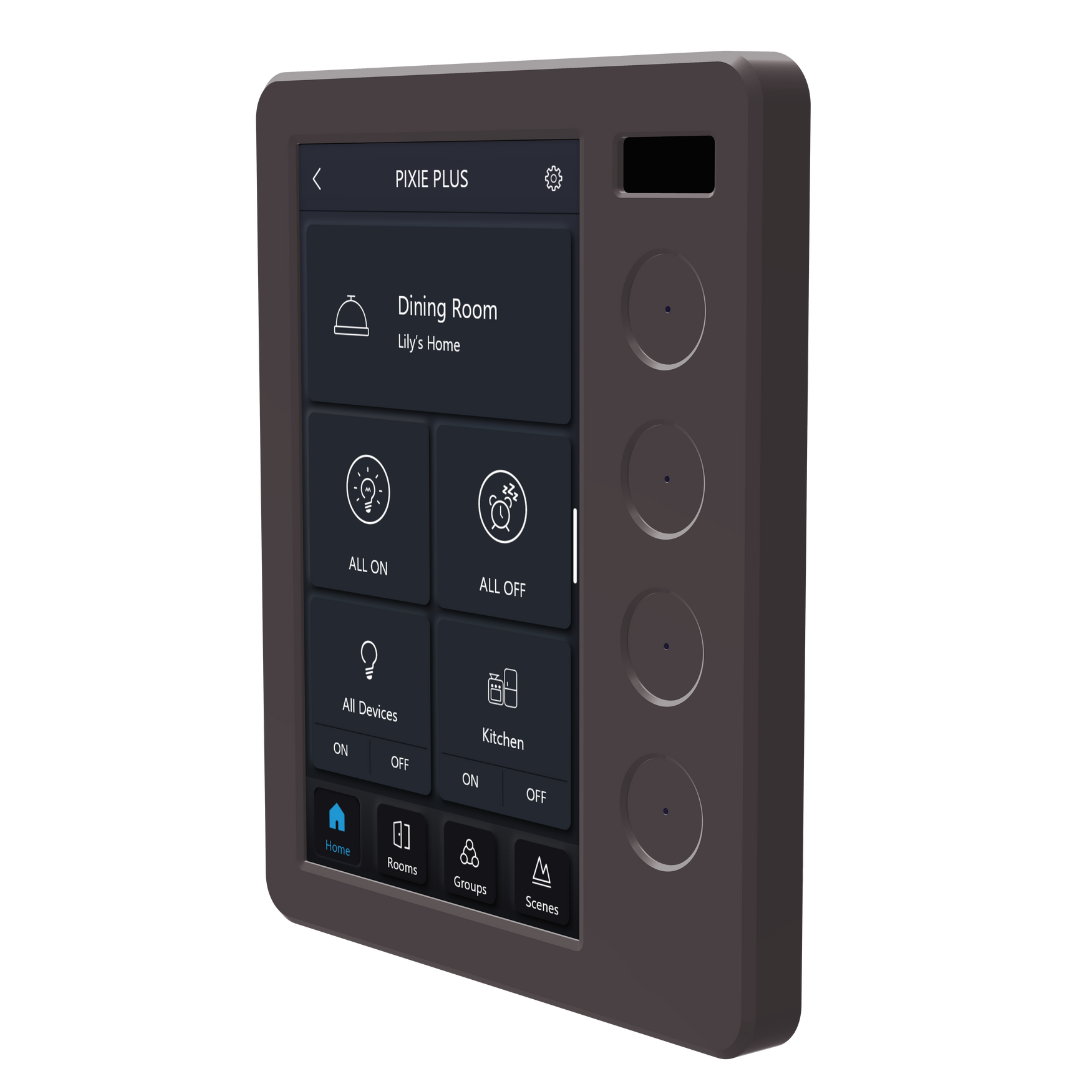
Three finishes. One for every interior.
The PIXIE Touch Panel is part of the PIXIE Ambience range, available in White Gloss, Matt Black, and Matt Grey. Faceplates are colour-interchangeable, so the finish can be changed after installation without touching the device wiring.
Three ways to connect. One is clearly better.
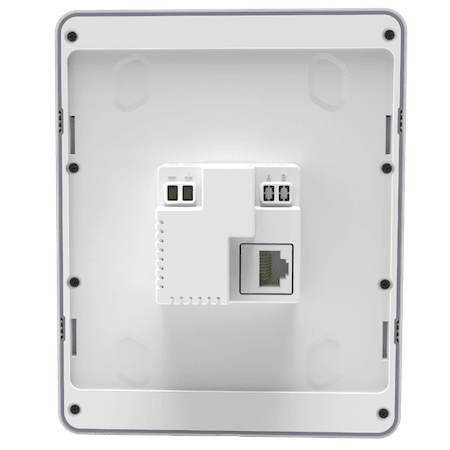
The PIXIE Touch Panel connects to your home network and receives power in three different ways. Your electrician will recommend the best option for your home.
Grows with your home. Without growing in complexity.
The PIXIE Touch Panel is designed to scale. For very large homes where one gateway isn't enough (a floor-by-floor setup is common), each Touch Panel can be configured to see all gateways, or just the ones relevant to its location.
A Touch Panel in the master bedroom upstairs can see the upstairs gateway, the downstairs gateway, or both. Your choice, set in a few taps.
There's no practical limit to how many gateways a home can run.
Someone at the door. Answer it from any room.
The PIXIE Touch Panel works as an intercom station when paired with compatible Dahua or HikVision IP doorbell cameras. From any Touch Panel in your home, you can:
- See who is at the door (one-way video from the doorbell camera)
- Speak with them (two-way voice)
- Unlock the gate or door remotely, if the door station has relay hardware installed
Works with Dahua and HikVision IP doorbell cameras specifically. Confirm compatibility with your electrician at specification time.
Compatible with Dahua and HikVision IP doorbell cameras. Door station relay hardware required for remote unlock.
Start with a kit. Everything you need in one order.
PIXIE Touch Panel Value Kits bundle the Touch Panel with a PIXIE Gen 3 Gateway and common PIXIE smart components, at a lower cost than buying separately. than buying separately. Ask your electrician or electrical wholesaler.
- 1 x PIXIE Ambience Touch Panel
- 1 x PIXIE Gateway G3 (SGW3/BTAM)
- 1 x PIXIE Ambience Touch Panel
- 1 x PIXIE Gateway G3 (SGW3/BTAM)
- 5 x Smart Dimmer
- 5 x Smart Switch
- 1 x PIXIE Ambience Touch Panel
- 1 x PIXIE Gateway G3 (SGW3/BTAM)
- 5 x Smart Dimmer
- 5 x Smart Switch
- 4 x Multifunction Controller
- 1 x Smart GPO
Available through your local electrical wholesaler. Ask for PIXIE: over 900 stockist locations nationally.
Ready to put a PIXIE Touch Panel at the heart of your home? We'll design it for you.
Upload your floor plans and our design team will mark up exact product locations, build a complete bill of materials, and put together a specification you can hand straight to your electrician. Free, no obligation, no strings.
Submit your plans. It's free.Turnaround 10 to 14 working days. Includes a free 15-minute Zoom with our design team.
Increase the IQ of your smart home.
Extend your PIXIE system further with accessories that boost range, add integration with other systems, and give you more control options throughout your home, all within the same app.Connectivity & Range
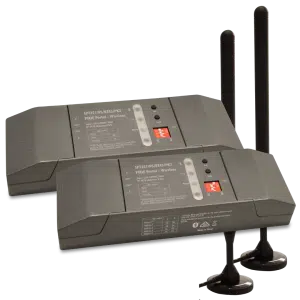
PIXIE Portal — 120m Mesh Extender
Extends wireless control distance up to 120 metres in one direction, keeping distant devices in the same PIXIE network without internet involvement.
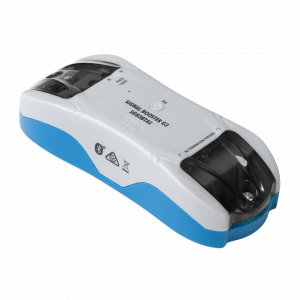
Bluetooth Mesh Signal Booster
Expands signal coverage of an established PIXIE network, extending control distances and improving stability in larger homes or challenging building materials.
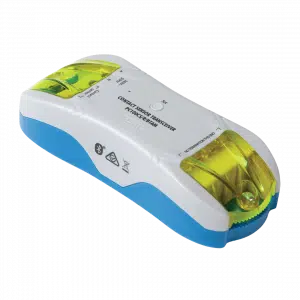
Contact Sensor Transceiver
Monitor gates, doors, and windows, or connect smoke detectors. Push notifications to your phone on any status change. Ideal for smoke alarm monitoring from anywhere.
Wireless Control
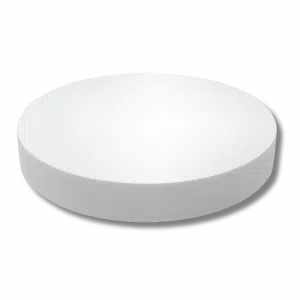
Remote Control Button
Full multifunction control in a modern, compact form factor. Comes with magnets and 3M adhesive — stick it wherever control is needed, no wiring required.
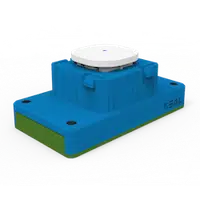
Remote Control Mech
All the power of a PIXIE Multifunction controller in a battery-powered mech. Fits most Australian wall plates — perfect where running a cable is impractical or too costly.
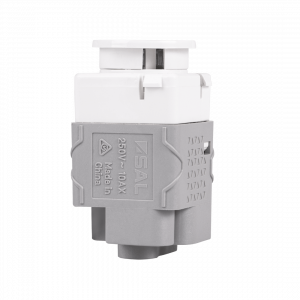
Non-Smart Button & Momentary
10AX non-smart switches designed to fit the PIXIE Ambience wall plate range. Available as Press Mech or Momentary Press Mech — keeps a uniform look when mixing smart and non-smart devices on the same plate.
System Integration & Load Control
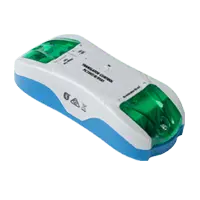
3rd Party Interfacing Module
Integrate PIXIE with legacy home automation systems — CBUS®, Dynalite®, KNX®, Control4®, security systems, and AV systems via dry-contact outputs. No internet required.
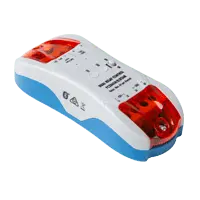
Larger Load Relay Controller
Controls high-load devices: pool pumps, outdoor heaters, and floodlights up to 6A per output (two outputs). Full scheduling and remote control with automatic power-restore memory.
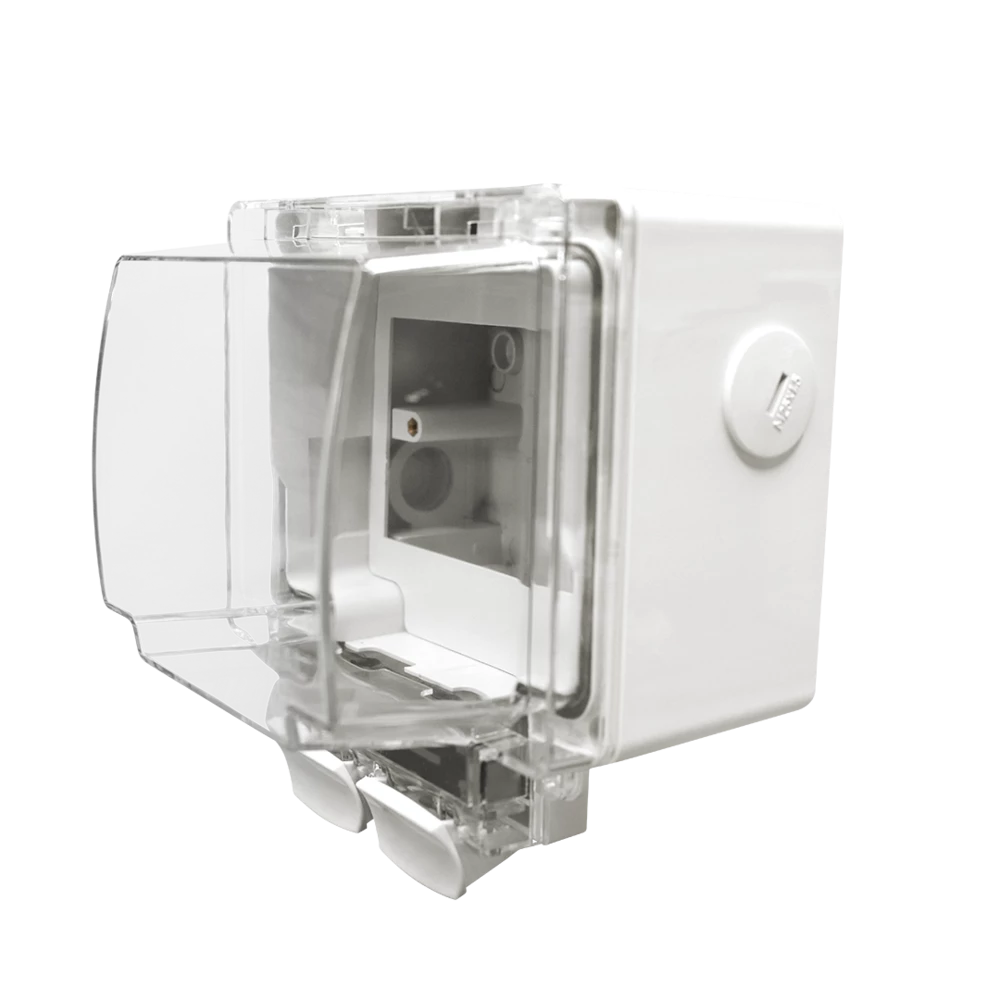
Weatherproof IP66 Enclosure
Purpose-designed to house PIXIE Smart Powerpoints and modules in outdoor conditions. IP66 rated with flex and plug connection — ideal for pool equipment, outdoor lighting, and exposed locations.
DC Fan Control Modules
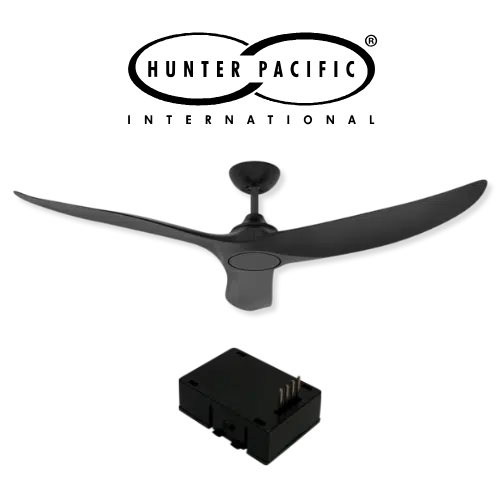
Hunter Pacific Ceiling Fan Module
Fit the PIXIE smart module (PIXIEMO98) into the ceiling fan receiver base to unlock 9-speed smart control for compatible Hunter Pacific DC V2 ceiling fans.

Ventair Skyfan DC FanLink
The Ventair Skyfan DC FanLink module (FLINKPIX) is recognised by PIXIE as a PIXIE Master device. Install. Scan. Control. — full scheduling, group control, and scenes immediately.
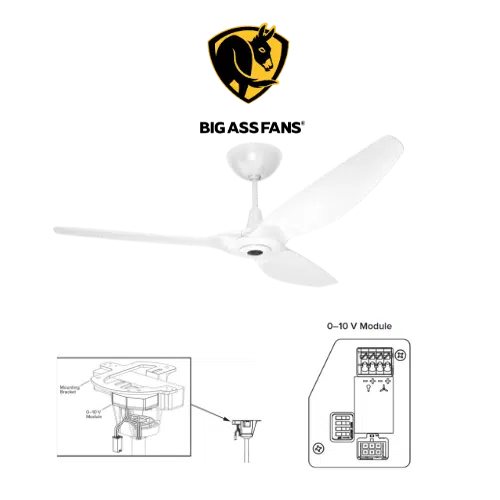
Big Ass Fan Module
PIXIE works with Big Ass Fans via the Big Ass fan 0–10V module (model 006352) paired with PIXIE 0–10V Controllers — enabling both fan speed and light control where the fan supports it.