

Multifunction Controllers
A button on the wall.
A button on the wall.
For absolutely anything.
You could open the app. Or you could just press the button. PIXIE Multifunction controllers put a physical switch, or a dial, on the wall for any device, any group, any scene. Mains powered. Bluetooth mesh. Standard wall plate. Your electrician installs it in an afternoon.
Get your free smart home design
cn-1
"Anything" is more literal than it sounds. Here are the four ways it works.
How it works
One device. Four ways to use it.
Works with master devices
Pair with any PIXIE master device anywhere in your home: switches, dimmers, power points, fan modules. No new cable runs required.
Mimic mode
The multifunction becomes an exact copy of the device it's paired to. Whatever the master does, this does, a second location, no extra wiring.
Scene mode
Recall any room's scene — or set your whole home from a single button wherever you mount it. One press changes everything.
Single tap. Double tap.
One button, two functions. Single tap for one action, double tap for another. Simple to use, and reprogrammable anytime from the PIXIE app.
cn-2
And the detail that matters most to everyone who lives in your home. None of this needs a phone to work.
What it gives you
Most things. Without the app.
With most smart home systems, anything beyond a basic switch or dimmer lives in the app. PIXIE Multifunction controllers change that, putting a physical button or dial on the wall for groups, scenes, fan speed, Sonos volume, blinds, and more.
2-way, 3-way… 8-way control
Add as many multifunction locations as you like for the same light or group. Makes expensive multiway wiring redundant: no new cable runs, no sparky pulling cables through walls.
That extra dimming spot
Always wanted a dimmer at the other end of the hallway, or bedside control for the whole room? The one everyone said was too hard or too expensive to wire. Done.
Welcome Home. Goodbye.
Put a multifunction by the front door. Single tap as you arrive home: lights, fans, welcome scenes all at once. Double tap as you leave to shut everything down.
Fan speed & Sonos volume
The rotary controller puts a physical dial on the wall for ceiling fan speed and Sonos volume — the things that previously lived only in the app, or in your phone.
Changed your mind?
Pair it to something different. Change what it controls. Change the scenes it recalls. All reprogrammable anytime from the PIXIE app by you, no electrician needed.
Simple wiring
Active and neutral into a standard wall plate. Your electrician uses existing wiring infrastructure. No new cable runs, no chasing walls, no specialist tools or programming.
cn-3
Push button, no phone required. Now one variant that deserves its own moment.
For light and fan control, nothing beats a dial.
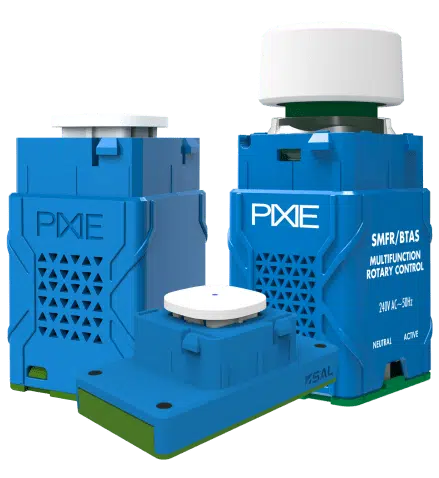
Multifunction Rotary Controller
Return of the dial. For things that need a little more finesse.
Some things just need a dial. The PIXIE Multifunction Rotary puts a physical control on the wall for dimming groups of downlights smoothly, adjusting Sonos volume in real time, and managing fan speed or motorised blinds with precision a tap can't deliver. Up to 6 scenes from a single device, eliminating the need for a multi-gang plate in many situations.
Fine dimming for downlights & LED strip
Sonos volume: a real dial on the wall
Ceiling fan speed control
Motorised blind control
Up to 6 scenes per device
SMFRBTAS
cn-4
Full specifications for the whole range. Dimensions, wiring, load ratings, and part numbers for every model.
Specifications
The full picture. On the wall.
PIXIE Multifunction Controller
SMFBTAS
Connectivity
Bluetooth Mesh
Power supply
100–240V AC, Active + Neutral
Load
None (secondary control device)
Wall plate
Standard Australian single gang
Control modes
Mimic, Scene
Inputs
Single tap, double tap
Scenes
Up to 2 per device
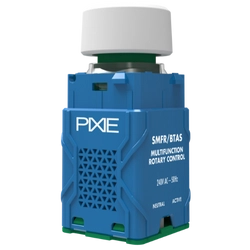
PIXIE Multifunction Rotary Controller
SMFRBTAS
Connectivity
Bluetooth Mesh
Power supply
100–240V AC, Active + Neutral
Load
None (secondary control device)
Wall plate
Standard Australian single gang
Control modes
Mimic, Scene
Inputs
Single tap, double tap, rotary dial
Scenes
Up to 6 per device
Also available — battery powered options
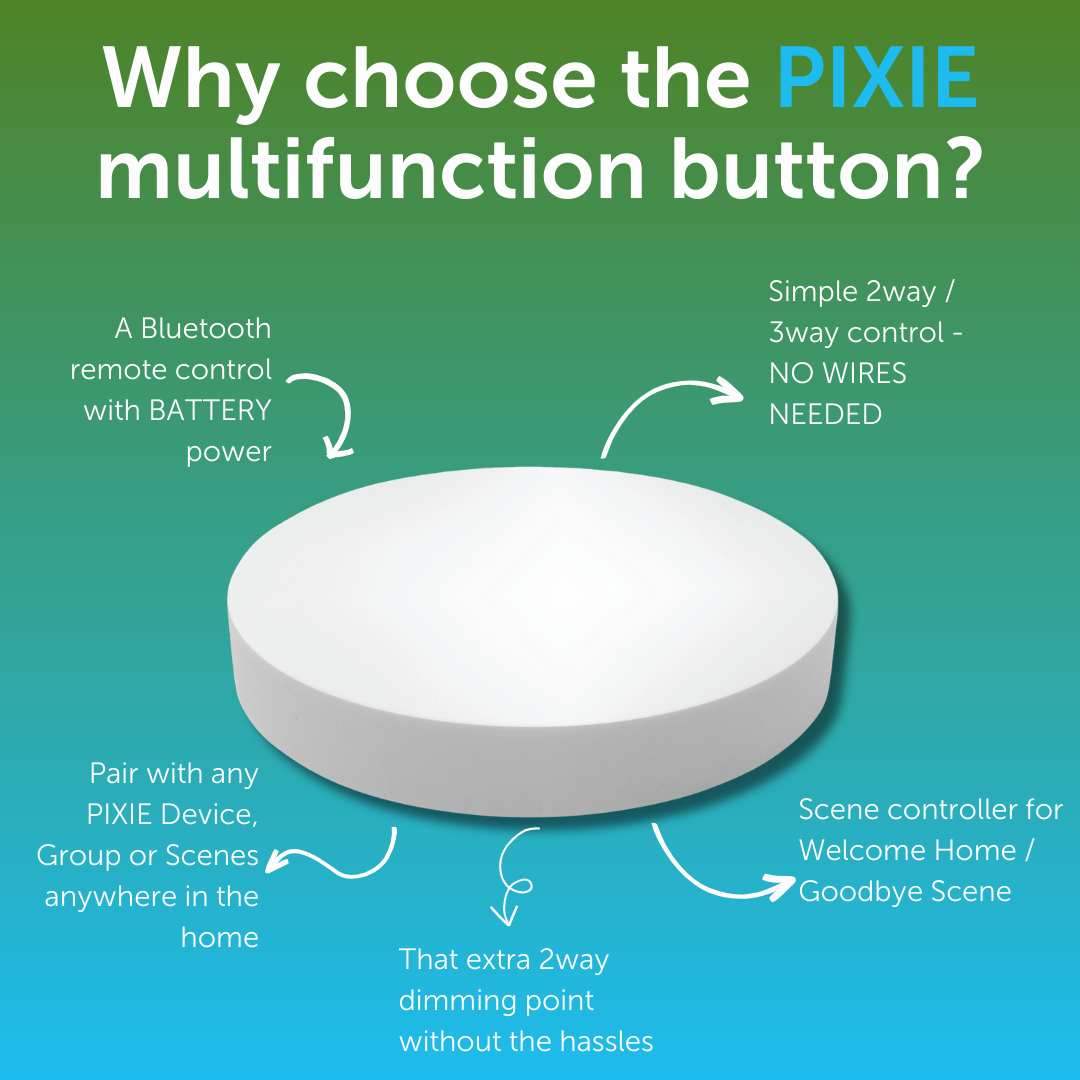
SMC3BTAS
PIXIE Remote Control Button
Battery powered. No wiring. Stick it anywhere — comes with magnets and 3M adhesive. Full multifunction capability without a wall cutout.
View in accessories
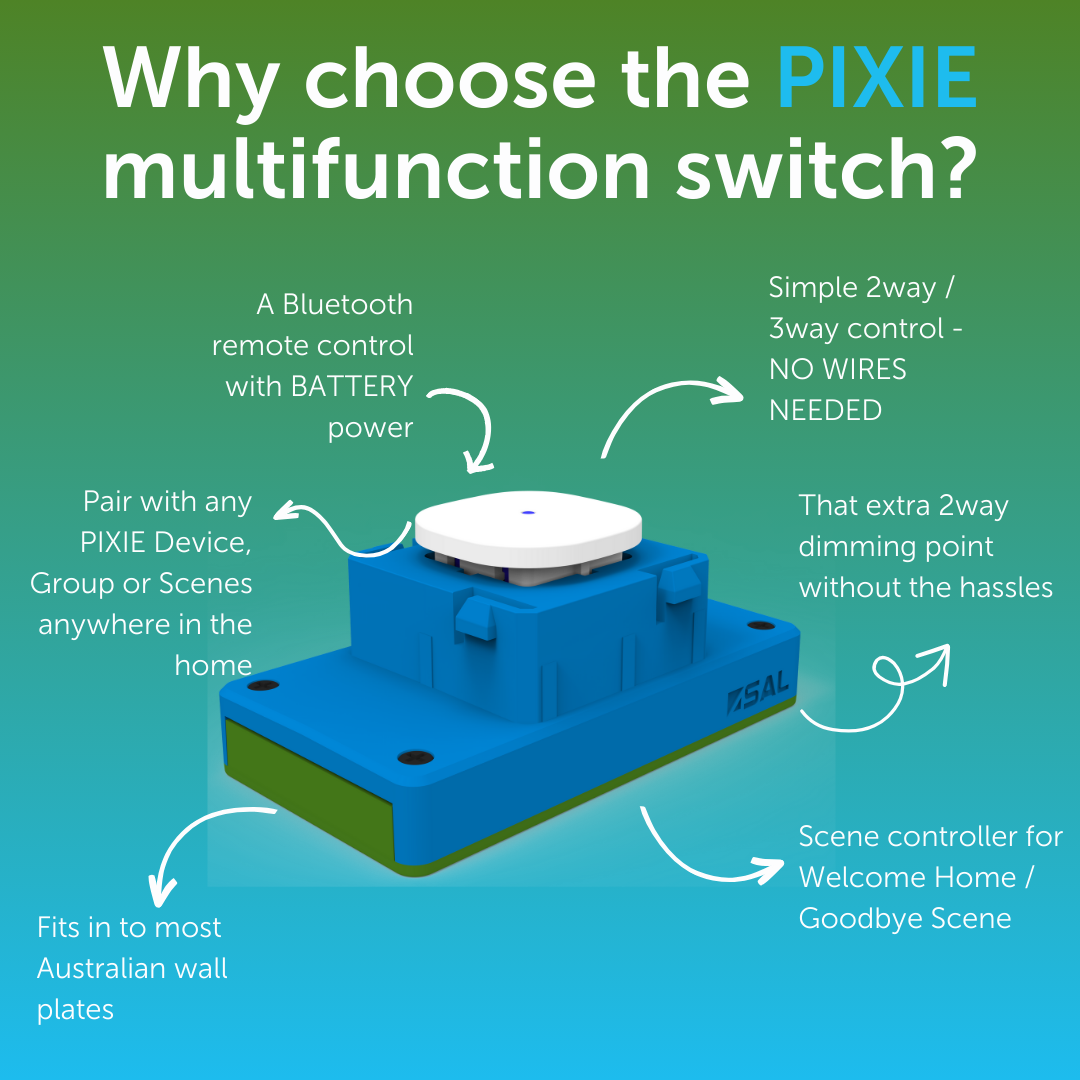
SMRMBTAS
PIXIE Multifunction Remote Mech
Battery powered. Fits most Australian wall plates. Full multifunction capability where running active and neutral is impractical or too costly.
View in accessories
cn-5
Not sure which model suits which room? The free design service maps out exactly where each switch goes.
Free Design Service
Not sure what you need,
or where it all goes?
Upload your floor plan and PIXIE's design team will map out exactly where everything goes, switches, dimmers, multifunction controllers, the lot. Free, no obligation, and back to you within two weeks.
Free · No obligation · Turnaround 10–14 business days