
PIXIE Gateway Smart Home Hub

Smart home intelligence. From anywhere.
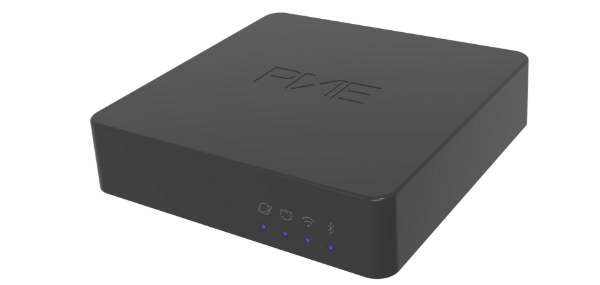
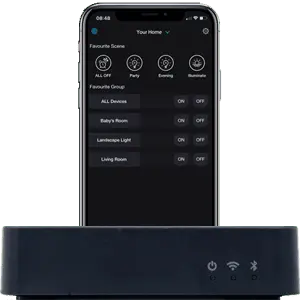
One small black box unlocks voice control, remote access, and seamless integration with leading smart home platforms, all from the same PIXIE Plus app, with no I.T. expertise required.
🎙️ Voice Control 🌐 Remote Access 💡 WiFi Independent ⚡ PROGRAMode 🖥️ 8 Touch Panels 👥 Shared Access
Get your free smart home design
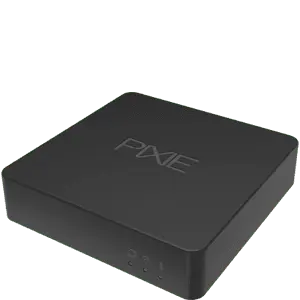
PIXIE Gateway Gen 3 — SGW3BTAM PIXIE Gateway · SGW3BTAM
Works With PIXIE

Connects to the platforms you already use.

One Gateway bridges your PIXIE home to the world's most popular voice assistants, streaming services, and smart home platforms, simply, without needing to be an I.T. expert.
Hey Google
Amazon Alexa
Siri Shortcuts
Apple Watch
Samsung SmartThings
SONOS
IFTTT
Hikvision
Dahua Intercom
Getting Connected

Up and running in minutes.

No I.T. expertise needed. No installer required. Plug in, open the app, and your smart home expands to wherever you are.
Plug in the PIXIE Gateway
01
Plug it in
Open the box and plug in the power adapter. Connect to your modem via Ethernet — or use WiFi. Your Gateway is installed.
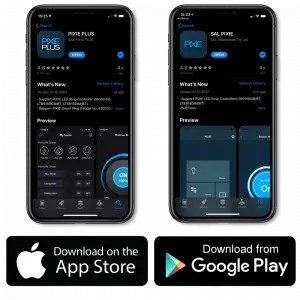
Open PIXIE Plus App
02
Open PIXIE Plus App
Create a new home in the app, it automatically scans and finds your Gateway on the network. No manual configuration.
PIXIE Gateway connected
03
You're connected
The Gateway configures itself. Voice assistants, remote access, and all online integrations are live immediately.
cn-1
You're set up in minutes. Here's everything your Gateway now connects to.
Apps & Integrations

The PIXIE Apps. Works with PIXIE.

Control your home from anywhere with the PIXIE PLUS app, and connect to the smart home ecosystem you already use.
The PIXIE Apps

You're in control.

PIXIE PLUS app The PIXIE PLUS app puts your lights, fans, blinds, and more in the palm of your hand. Create schedules, build scenes, manage household access, and control everything from anywhere, whether you're home or away.
Scenes & schedules Set Welcome Home, Goodbye, and time-based scenes. 7-day schedules for any load.
Human Centric Lighting Activate HCL mode to automatically colour-tune your lights throughout the day.
Multi-user & unlimited homes Add family members with their own access levels. Manage multiple properties from one login.
Voice & remote control Works with Google Home, Amazon Alexa, and Siri Shortcuts. Control from anywhere.
Works with PIXIE

Your home.
Your ecosystem.

PIXIE keeps smart homes simple to use, easy for electricians to set up, and able to work seamlessly with compatible systems from other brands. No need to be an I.T. expert.
PIXIE Works With ecosystem
Hey Google
Amazon Alexa
Siri Shortcuts
Apple Watch
Samsung SmartThings
IFTTT
Sonos
Spotify
Discover what PIXIE works with
cn-2
PIXIE works with the platforms you already use. Now here's what the Gateway specifically unlocks that you can't get without it.

Why Add a Gateway?

Three capabilities that change everything.

PIXIE works beautifully without a Gateway but add one and your smart home grows into something far more powerful.
Control from Anywhere
Direct control and monitoring of every connected PIXIE device in your home from anywhere in the world, whenever your home has an internet connection.
Voice & Online Services
Access Hey Google, Amazon Alexa, Apple Siri, Samsung SmartThings, IFTTT, SONOS, and more through the PIXIE Works With programme. Your home responds to your voice.
Local System Integration
Connects your PIXIE devices to your in-home network for seamless integration with on-site systems; no internet required. CBUS, Dynalite, KNX, and more.
Gateway Capabilities

More reasons to choose the PIXIE Gateway.

Every capability below is unlocked the moment you plug in a Gateway, no additional configuration, no ongoing subscription.
Shared Control & Privileges
Invite family members or guests with precise control over exactly what they can access, both in the home and remotely.
WiFi Independent
Non-internet services with local control, schedules, automations, continue working without interruption regardless of your WiFi or network state.
No Internet? No Problem.
Schedules, PROGRAMode routines, and all on-site functions operate without issue if your internet goes down. Your home keeps running.
PROGRAMode Automation
Advanced time-based logic scenarios, triggered by time, device events, or presence all powered by the Gateway's dedicated processing capacity.
Push Notifications
Instant mobile alerts for device events like garage door operation, gate activity, or contact sensor triggers delivered to your phone wherever you are.
Scene Delays
Introduce time delays between scene steps; a pathway that gradually lights up, a gradual wake-up sequence, or a timed evening wind-down routine.
System Logs & Diagnostics
Additional tools for monitoring your PIXIE network health and fast-tracking issue resolution, useful for complex multi-room and multi-zone installations.
Deep Systems Integration
Works with CBUS®, Dynalite®, KNX®, Control4®, security, and AV systems via the PIXIE 3rd Party Interfacing Module: dry contact I/O, no internet required.
Up to 8 Touch Panels
Connect up to 8 PIXIE Touch Panels throughout your home; permanent, always-on wall-mounted control for every room, powered by the Gateway.
cn-3
Those capabilities in practice. Here's what they look like running in a real home, every day.
PIXIE Automation

Your home responds. Automatically.

PROGRAMode is built into the PIXIE PLUS App. The same one you already use every day. Set up your first automation in minutes -- and come back whenever you want to change it.

📱
In the app you already know.
No new software. No PC. The PIXIE PLUS App walks you through setup, one question at a time.
💡
Activate or deactivate in one tap.
Change your mind, pause a routine for a week, or delete it. Full control, always.
⏱️
Timing to the minute.
Set a routine to fire at exactly 10:30pm, or 3 minutes after the lights go off. Choose which days of the week it runs.
📡
Multiple triggers, all must be met.
Track up to 5 PIXIE device states at once. The program only fires when every condition you've set is satisfied -- not just one of them.
⚙️
Staged actions with delays.
Lights on. Wait 5 minutes. Fan starts. Exhaust runs for 10 more minutes, then stops. Up to 10 actions in exactly the sequence and timing you set.

Set it up once. Then forget it. Your home has it from here.
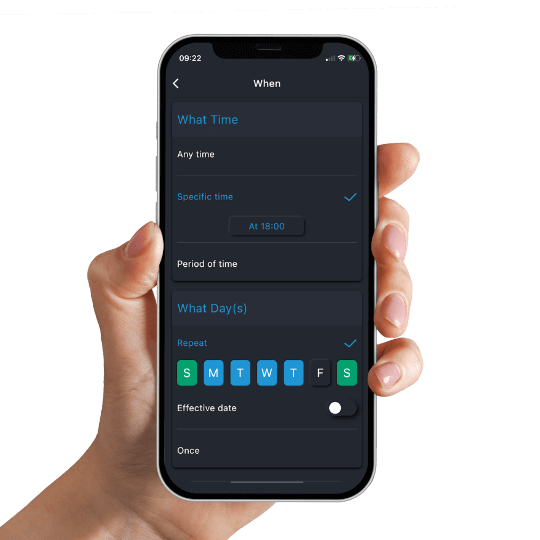
PROGRAMode setup in the PIXIE PLUS App

How it works

Three steps, configured once in the app. You fill in the blanks for each one -- the Gateway handles everything else.

WHEN
Set the time window

WHEN is always the first step. It defines when the program is active -- a specific time of day, certain days of the week, or both. The program will only run inside this window. This is where every PROGRAMode setup begins.

Example Monday to Friday, between 8pm and 11pm
IF
A PIXIE device triggers it

IF is the state-tracked trigger. A sensor detects motion. A switch changes state. Track up to 5 PIXIE device states at once -- the program only fires when every condition you've set is met, not just one of them.

Example Motion sensor detects activity AND bathroom light is on
THEN
Actions run in sequence

Each action fires in the order you set -- and you can add a delay between them. Lights on. Wait 5 minutes. Fan starts. Exhaust runs for another 10 minutes, then stops. Up to 10 actions, staged exactly as you want them.

Example Lights to 30% > wait 10 min > fan off > exhaust off

What it looks like in a real home

Four scenarios that show the range of what PROGRAMode can do -- from a simple bathroom fan to a whole-home climate response.

Bathroom
Lights on. Fan on. Turns itself off.

Turn on the bathroom lights and the exhaust fan comes on with them -- automatically. After a delay you set in the app, the fan turns itself off. You can always operate the fan separately. But when the lights go on, the fan goes with them, every time.

WHEN: bathroom lights on THEN: fan on + timed off
Air Conditioning
The study cools down when someone's in it.

Between 12pm and 6pm, when the study motion sensor fires, PIXIE opens the CLIMATIQ damper zone and sets the fan to medium. After 30 minutes it resets to normal automatically. Cooling only runs in rooms where someone actually is.

WHEN: 12pm-6pm + IF: study motion THEN: zone open + fan medium + reset
Staircase
Lights stay on until nobody's there.

Either sensor -- top or bottom -- turns the staircase lights on. The clever part is the off: PROGRAMode tracks when BOTH sensors go clear at the same time. Only then do the lights turn off. So they never cut out on someone who is still mid-stair.

IF: both sensors clear THEN: staircase lights off
Gate + Garage
Left the gate open? It closes itself.

After 10pm, every night: if the front gate sensor registers it opening, a timer starts. After 5, 10, or 15 minutes -- your choice -- the PIXIE Gate and Garage Controller closes it automatically. A push notification confirms it is shut.

WHEN: after 10pm + IF: gate opens THEN: wait + close + notify
Requires PIXIE Gateway (SGW3BTAM) and PIXIE PLUS App. Configured via the app. Runs on your local network.
No internet? No problem.

Your automation keeps running. Even offline.

PROGRAMode runs on your home network, not in the cloud. If your internet drops, your routines keep firing. Schedules, scenes, and triggers all operate from the Gateway's local processing. Your home does not need to phone home to do its job.

cn-4
Remote access, voice control, and music sorted. Now the part that makes your home genuinely intelligent.
PIXIE works with SONOS and Spotify
SONOS & Spotify

Your music. Every room.

Whether you have a full SONOS distributed audio system or a single speaker, PIXIE makes it effortless to weave your music into your smart home lifestyle.
Access all your favourite music, podcasts, and radio stations
Complete audio transport control: pause, play, skip, and zone via PIXIE
Welcome home scenes that automatically play your favourites
Voice control of audio via Hey Google, Alexa, and Siri
PIXIE LED strips use Spotify BeatSync: lights that move with the music
Learn about PIXIE + SONOS
Apple Watch

Hands free or hands on.

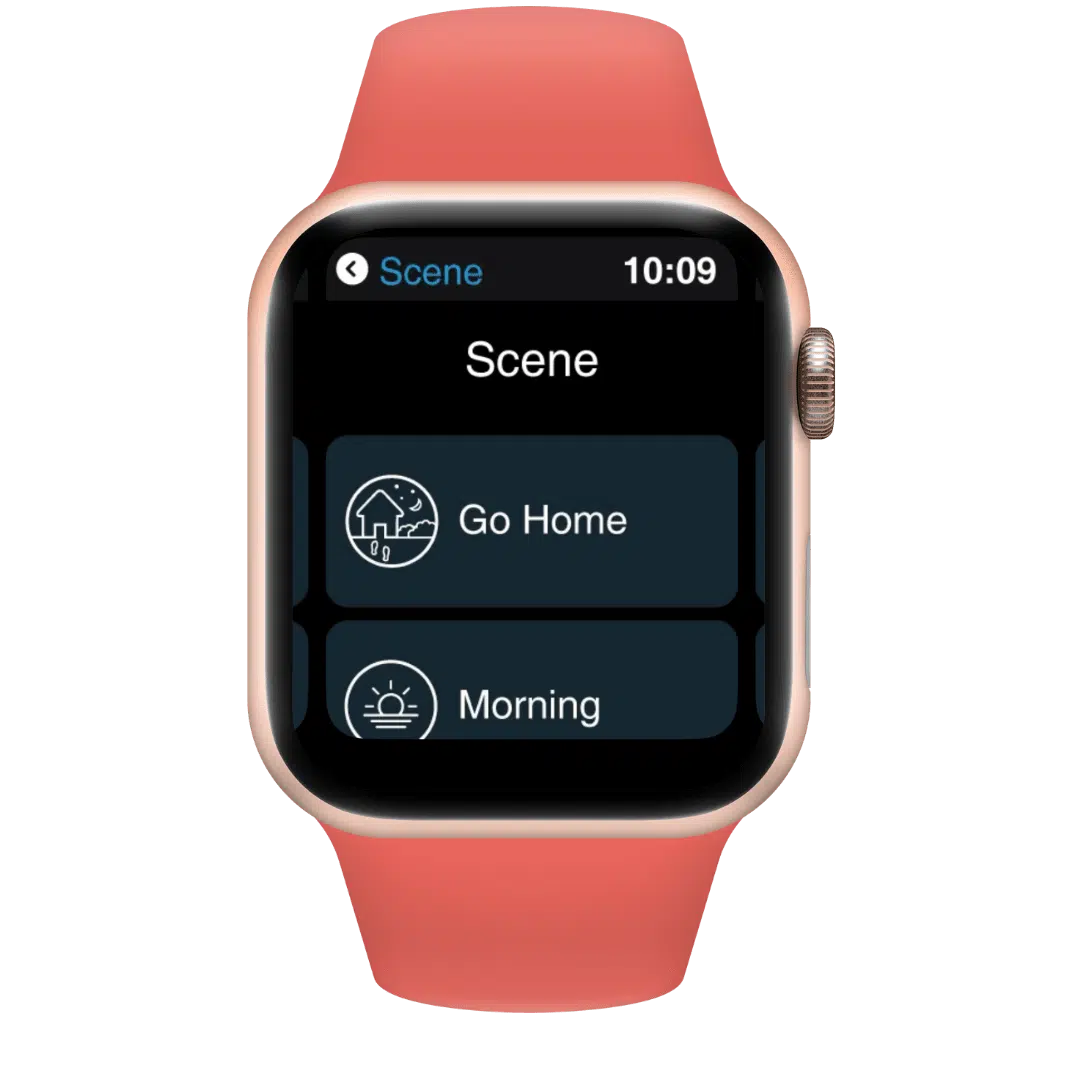
Arriving home? Activate your Welcome Home scene from your Apple Watch. Hands stay on the wheel, garage opens, pathway lights come on automatically. Smart home control that fits your life, not the other way around.
Full PIXIE app on your wrist: scenes, rooms, and devices
Welcome Home scene triggers garage, lights, and climate automatically
Set the mood for any room, or transform the whole home
Ideal when your phone is out of reach: complete control from your wrist
Explore all Works With integrations
PIXIE works with Apple Watch
Specifications

PIXIE Gateway Product Specifications

Plug-in device. No electrician required. For full documentation, visit the PIXIE Partners downloads hub.
PIXIE Gateway Gen 3

PIXIE Gateway

Smart Home Hub · Bluetooth Mesh SGW3BTAM
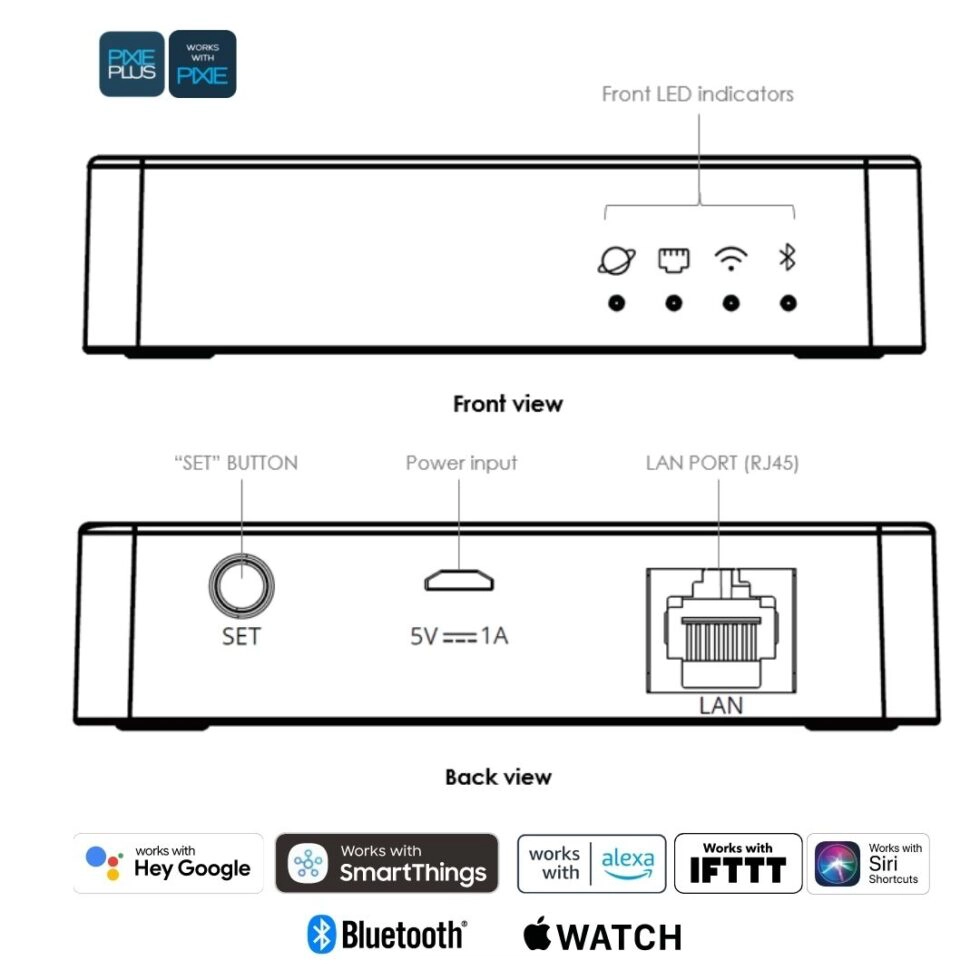
Connectivity Ethernet (LAN) + Bluetooth® Mesh
Power 5V DC (adapter included)
Installation Plug-in, no electrician required
Remote access Yes, via PIXIE Plus App
Voice assistants Hey Google · Alexa · Siri Shortcuts
Platforms SmartThings · IFTTT · Apple Watch · SONOS
PROGRAMode Yes, with scene delays and advanced automation
Touch Panels Up to 8 PIXIE Touch Panels
Cloud hosting Australian-hosted, SAL owned
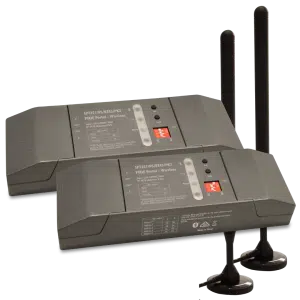
PIXIE Portal 120m Mesh Extender

PIXIE Portal 120m Mesh Extender

Gateway Range Companion SPT321WS-BTAS
Range extension Up to 120m in one direction
Technology Bluetooth® Mesh
Internet required No, local network only
Compatible with All PIXIE smart devices
Use case Large homes · Split levels · Outbuildings
Power Mains powered (hardwired)
Installation Licensed electrician required
Free, no obligation

Ready to design your PIXIE smart home?

Upload your floor plans and our team will mark up exactly where each product goes, including whether a Gateway makes sense for your home, plus a complete bill of materials your electrician can quote from. Free, with no obligation.
cn-4
Larger home, outbuilding, or thick walls? One more product worth knowing about before you commit to a layout.
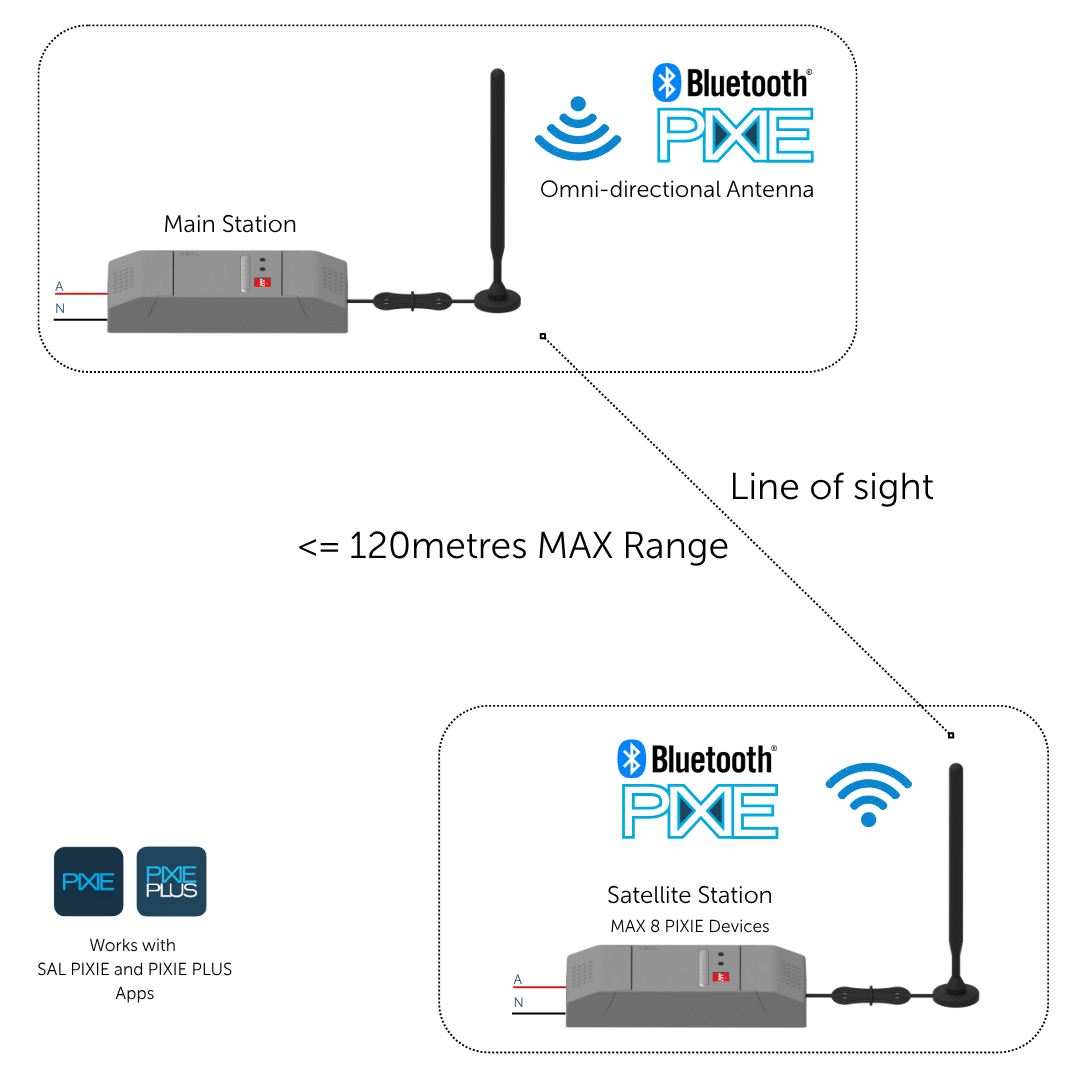
PIXIE Portal installation diagram — extending Bluetooth Mesh to outbuildings
PIXIE Portal

When your home goes further than your network.

A detached garage, a boat shed, a granny flat at the back of a long block; some spaces sit beyond what a standard Bluetooth Mesh can reliably cover. PIXIE Portal solves that. It extends your PIXIE network up to 120 metres without Wi-Fi or internet, giving you full control of remote spaces as though they were just another room.
It works completely independently of a Gateway, or alongside one, whichever suits your home. Your electrician installs it as part of your PIXIE system. From your end, it's invisible: the same app, the same scenes, just a bigger reach.
Up to 120m open-air range. Covers outbuildings, sheds, and split-level properties
No Wi-Fi or internet required and runs entirely on PIXIE's local Bluetooth Mesh
Works with or without a Gateway: same app, same scenes, just a longer reach
Installed by your licensed electrician and nothing extra to configure or manage
PIXIE Accessories

Increase the IQ of your smart home.

Extend your PIXIE system further with accessories that boost range, add integration with other systems, and give you more control options throughout your home, all within the same app.
View all accessories

Connectivity & Range

PIXIE Portal 120mtr Mesh Extender

PIXIE Portal — 120m Mesh Extender

Extends wireless control distance up to 120 metres in one direction, keeping distant devices in the same PIXIE network without internet involvement.
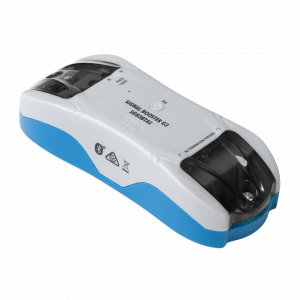
PIXIE Bluetooth Mesh Signal Booster

Bluetooth Mesh Signal Booster

Expands signal coverage of an established PIXIE network, extending control distances and improving stability in larger homes or challenging building materials.
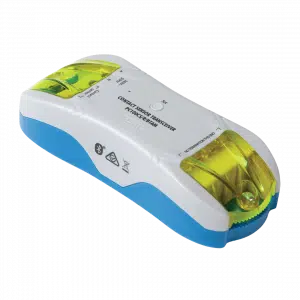
PIXIE Contact Sensor Transceiver

Contact Sensor Transceiver

Monitor gates, doors, and windows, or connect smoke detectors. Push notifications to your phone on any status change. Ideal for smoke alarm monitoring from anywhere.

Wireless Control

PIXIE Remote Control Button

Remote Control Button

Full multifunction control in a modern, compact form factor. Comes with magnets and 3M adhesive — stick it wherever control is needed, no wiring required.
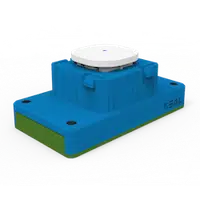
PIXIE Remote Control Mech

Remote Control Mech

All the power of a PIXIE Multifunction controller in a battery-powered mech. Fits most Australian wall plates — perfect where running a cable is impractical or too costly.
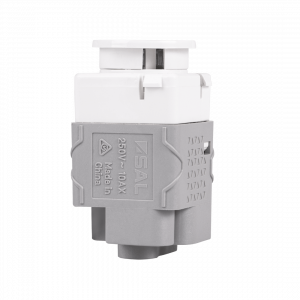
PIXIE Non-Smart Button and Momentary Mech

Non-Smart Button & Momentary

10AX non-smart switches designed to fit the PIXIE Ambience wall plate range. Available as Press Mech or Momentary Press Mech — keeps a uniform look when mixing smart and non-smart devices on the same plate.

System Integration & Load Control
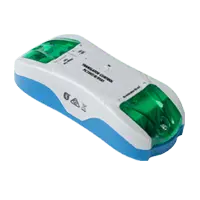
PIXIE 3rd Party Interfacing Module

3rd Party Interfacing Module

Integrate PIXIE with legacy home automation systems — CBUS®, Dynalite®, KNX®, Control4®, security systems, and AV systems via dry-contact outputs. No internet required.
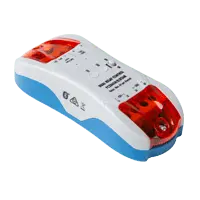
PIXIE Larger Load Relay Controller

Larger Load Relay Controller

Controls high-load devices: pool pumps, outdoor heaters, and floodlights up to 6A per output (two outputs). Full scheduling and remote control with automatic power-restore memory.
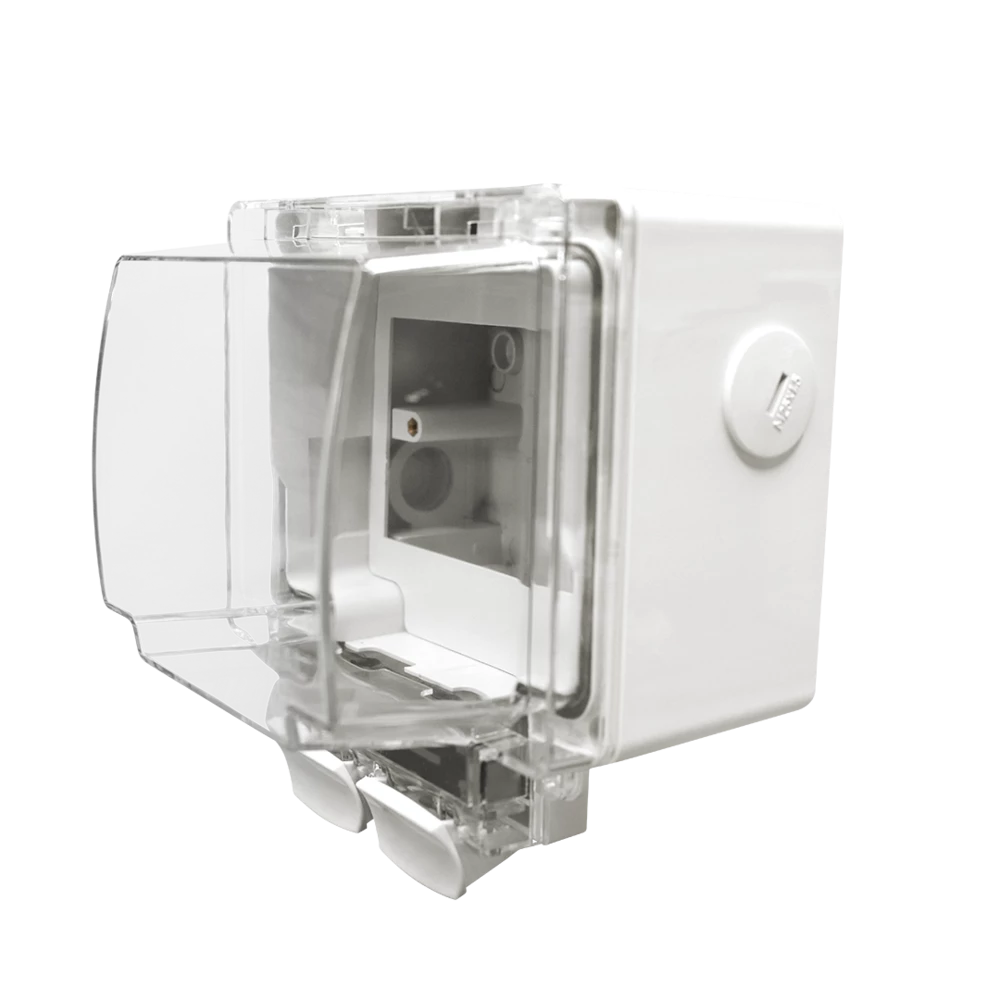
Weatherproof IP66 Enclosure

Weatherproof IP66 Enclosure

Purpose-designed to house PIXIE Smart Powerpoints and modules in outdoor conditions. IP66 rated with flex and plug connection — ideal for pool equipment, outdoor lighting, and exposed locations.

DC Fan Control Modules
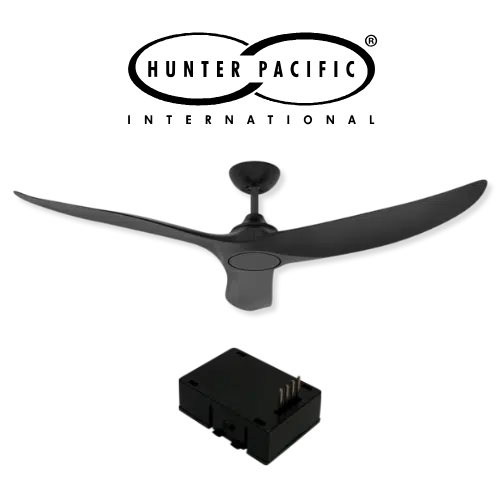
Hunter Pacific DC Fan Module — PIXIE

Hunter Pacific Ceiling Fan Module

Fit the PIXIE smart module (PIXIEMO98) into the ceiling fan receiver base to unlock 9-speed smart control for compatible Hunter Pacific DC V2 ceiling fans.

Ventair Skyfan DC FanLink — PIXIE

Ventair Skyfan DC FanLink

The Ventair Skyfan DC FanLink module (FLINKPIX) is recognised by PIXIE as a PIXIE Master device. Install. Scan. Control. — full scheduling, group control, and scenes immediately.
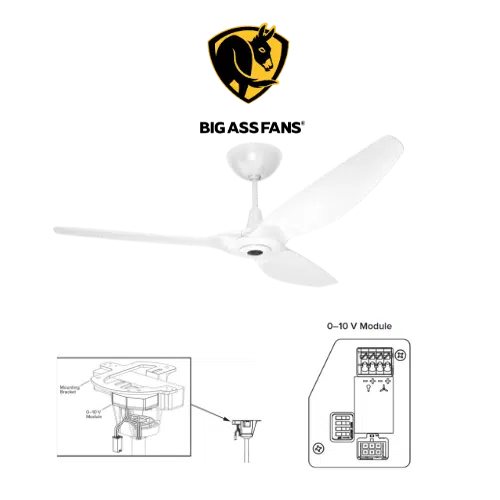
Big Ass Fans — PIXIE

Big Ass Fan Module

PIXIE works with Big Ass Fans via the Big Ass fan 0–10V module (model 006352) paired with PIXIE 0–10V Controllers — enabling both fan speed and light control where the fan supports it.

Free, no obligation

Get your free PIXIE smart home design.

Upload your floor plans and our team will mark up exactly where each product goes plus a complete bill of materials your electrician can quote from. Up to 3 revisions, a free 15-minute Zoom call included. Start your free design