

Safety and Security

Your home, always looking after you.
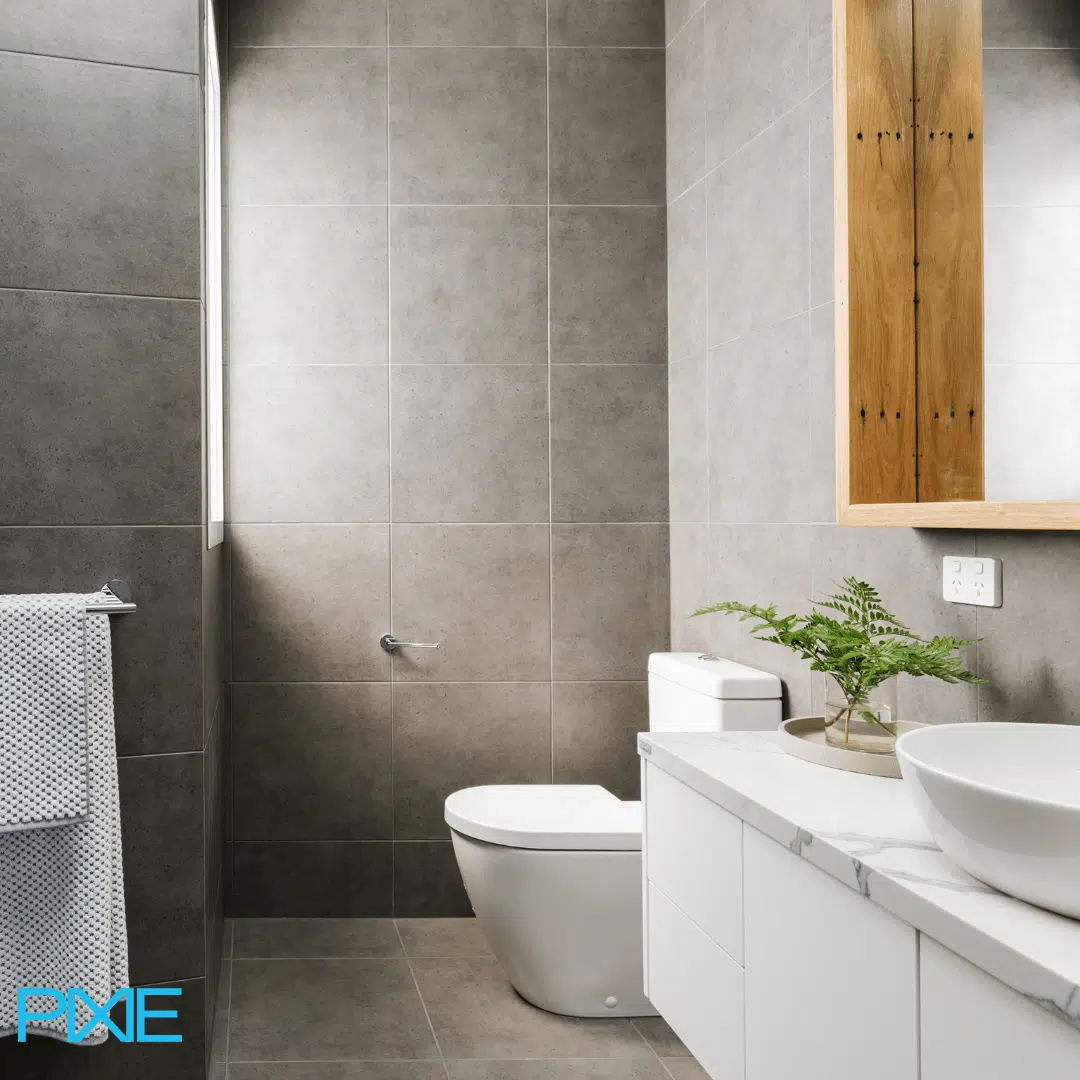
PIXIE gives you the quiet confidence that your home is secure, your family is safe, and you will know about anything that needs your attention, wherever you are.
Children and family Away from home Leaving with confidence Critical alerts Intercom and access
PIXIE smart home, safe and secure Australian home
cn-1
It starts with the people you care about most. Here is what PIXIE does for them.
Children and Family
The scenario

They drift off without fear. You finally get some serenity.

Children and the dark are old enemies. PIXIE changes that. Instead of lights switching off abruptly, they fade gently over twenty, thirty, or sixty minutes. By the time your child is asleep, the room is dark and you haven't been back in three times.
What happens
Bedtime scene activates. Lights begin a slow, imperceptible fade. Twenty minutes later, they're off completely. No sudden darkness. No startled child. And you didn't have to go back in.
Customisable fade duration 10, 20, 30, or 60 minutes. Set once, runs every night automatically.
Multiple trigger options Bedtime scene, PIXIE app, voice command, or wall button at the door
Grows with your child The same dimmer runs a study scene for homework and a reading scene for quiet time
Fan slows as part of the scene Ceiling fan drops to sleep speed alongside the lighting fade
Children's bedtime scene
๐Ÿ›๏ธ
Bedroom lights begin to fade Gentle, gradual. You've read the last story. Now it takes care of the rest.
๐Ÿ’จ
Ceiling fan slows to sleep speed Low, quiet airflow. Comfortable without being cold.
๐ŸŒ™
Lights reach off after 30 minutes No sudden darkness. They barely notice the change.
โœ…
The rest of the house carries on normally Their room is done. Your evening is not interrupted.

You always know who's home and when.

The family room lights up when the kids get back from school. The front door notification lands on your phone at 3:15pm. You already knew they were home before they even texted you. That's what PIXIE does, quietly, in the background.

Door sensor notifications Know when the front door, garage, or gate is accessed and by whom
Motion-triggered lighting Sensor lighting confirms activity in key areas of the home as your family moves around
PIXIE PLUS app Check who's home, what's on, and what's happened from anywhere, any time
cn-2
Family at home, handled. Now here's what happens when you're not there. Away from home. Still completely in control.
Away from Home

Away from home. Still in the loop.

PIXIE keeps you connected to your home whether you're at work, at the shops, or on the other side of the country. Not anxiously connected. Just quietly confident.
The notification

Front door at 3pm. You already knew.

Your phone tells you the front door opened at 3:15pm, and locked again at 3:17pm. You know who it was before they've even put their bag down. Nothing went wrong. You didn't need to worry. But you knew anyway.

Door and gate sensor notifications sent directly to your phone
Motion sensor alerts in key entry areas
Remote lock and unlock via the PIXIE PLUS app
See who is home and what is on from anywhere
Remote control

Left the iron on. Fixed from the car park.

You're halfway to work and the thought strikes. Did I turn off the iron? Did the garage door close? Open the app from the car park, check the status, switch it off if needed, and carry on. Done in thirty seconds.

Check and control any PIXIE device remotely via the app
Smart power points confirm off via app
Garage door status visible and controllable remotely
Works from anywhere with an internet connection

Away for longer? Your home still looks occupied.

Holiday mode schedules lights to turn on and off at realistic times, varying the pattern so the home looks lived in. Outdoor lights activate at dusk. Sensors report anything unusual straight to your phone.

๐Ÿ•
Scheduled lighting patterns Varied times so it doesn't look like a timer. Looks like someone's home.
๐ŸŒ™
Outdoor lights activate at dusk Scheduled or sensor-triggered. Property is lit and visible every night.
๐Ÿ“ฑ
Motion alerts come straight to you Any unexpected activity triggers a notification wherever you are in the world.
cn-3
Leaving the house is the easiest part. One button and the whole home is secured and confirmed.
Leaving with Confidence
The scenario

One button as you leave. The house is done.

No lap of the house. No mental checklist. One press of the Goodbye button and every light turns off, every fan stops, outdoor sensors activate, and the garage confirms closed. You drive away already certain.
The Goodbye scene is one of the most-used features in any PIXIE home. It takes ten minutes to set up and saves ten minutes of mental effort every single day.
Set it as a wall button at the front door, trigger it by voice as you leave, or let geofencing activate it automatically when your phone leaves the home network.
Goodbye scene, in order
๐Ÿ’ก
Every light turns off All rooms, all zones, confirmed off simultaneously.
๐Ÿ’จ
All fans stop No ceiling fans running in empty rooms.
๐Ÿ 
Garage confirmed closed Status visible in the app. Close remotely if needed.
๐Ÿ“ก
Outdoor sensors activate Perimeter monitored. Any motion triggers a notification.
๐Ÿ”Œ
Nominated power points turn off Iron, kettle, any appliance you schedule as part of the scene.

Your entrance, set for every occasion.

Your grand entrance can be as considered as the interior design behind it. PIXIE stages the right light for the right time of day, whether you're arriving home after work or welcoming guests for dinner. All without lifting a finger.

Time-of-day entrance scenes Morning, evening, and night scenes staged automatically for your entry
Welcome Home scene Triggered by geofence or voice as you approach. Lights, gate, temperature, music.
Pathway lighting on approach Driveway and entry path lights up as you arrive, regardless of the time
cn-4
And when something really matters, PIXIE makes sure you know immediately, wherever you are.
Critical Alerts and Integration

When it matters most, PIXIE tells you.

Smoke, security, and access. PIXIE connects to the systems that protect your home and routes critical alerts straight to your phone, no matter where you are.
Smoke and fire

Smoke alarm triggers. You know instantly.

The PIXIE smoke detector transceiver connects your existing smoke alarm to your PIXIE system. The moment an alarm sounds, a notification goes straight to your phone, wherever you are in the world.

Works with your existing smoke detector, no replacement needed
Push notification sent to your phone the moment an alarm triggers
Alert reaches you whether you're in the next room or overseas
No internet required for local triggering, internet required for remote notification
Security system

Your alarm system, part of your smart home.

PIXIE integrates with Bosch security systems via dry contact inputs and outputs. Security events can trigger PIXIE scenes, and PIXIE can send signals back to the alarm panel. No internet required for the integration itself.

Arm triggers Goodbye lighting scene automatically
Disarm triggers Welcome Home lighting scene
Motion zone events can trigger PIXIE sensor lighting
Local Bluetooth mesh, no network dependency for core integration
Smart sensors

Sensors that see what you cannot.

PIXIE smart sensors detect motion and contact events across doors, windows, and key areas of your home. They trigger lighting, send notifications, and activate scenes. Standalone or as part of a whole-home security setup.

Indoor and outdoor motion sensors
Door and gate contact sensors with open/close notifications
Sensor events trigger any PIXIE scene automatically
Works without the Gateway for local Bluetooth operation

See and speak to whoever is at your door. From anywhere in the house.

The PIXIE Touch Panel integrates with Dahua and HIK Vision IP intercoms. When someone rings the doorbell, you see them on the Touch Panel screen, speak to them two-ways, and release the door strike if you want to let them in. All from the wall panel, the app, or your phone.

Requires PIXIE Touch Panel. Works with Dahua IP intercom and HIK Vision IP intercom. 2-way voice, 1-way video, door strike relay access included.
Live video on the Touch Panel See exactly who is at the door before responding
2-way voice conversation Speak to visitors from the panel, the app, or your phone
Remote door strike release Let someone in without leaving the room, or from anywhere via the app
All controlled from the same system No separate intercom app. All from PIXIE, alongside everything else in your home.
cn-5
Ready to see what a safe, secure PIXIE home looks like for your family? The free design service will map it all out.
Free Design Service

Let us show you what safety and security looks like in your home.

Upload your floor plans and tell us what matters most to you. We will send back a fully marked-up design with exact product locations and a complete bill of materials, free and with no obligation.
๐Ÿ“ Floor plans marked up
๐Ÿ“‹ Full bill of materials
๐Ÿ”„ Up to 3 revisions
๐Ÿ“ž Free 15-min Zoom included
Get your free smart home design
Free for homeowners and residential developers. Turnaround 10-14 working days.