
PIXIE Smart Sensors

Safety. Security. Smart.

The PIXIE indoor and outdoor weatherproof smart sensors automatically activate lights and connected loads when motion is detected , and let you change how they behave from the app, a button on the wall, or your voice. No ladder. No screwdriver.
Get your free smart home design
PIXIE Smart Sensors — outdoor living lifestyle
So what's the difference between a dumb sensor and a PIXIE sensor?
Quite a lot, actually.
Why go smart?

Not just a sensor. Four operating modes.

A standard PIR sensor does one thing, detect motion and switch something on. A PIXIE sensor has four distinct operating modes, and you can switch between them from the PIXIE PLUS app, a multifunction controller on the wall, or your voice. You can even schedule these modes directly from the app to auto-mode-swap. No ladder. No screwdriver. No need to call your electrician every time your household routine changes.
With the PIXIE PLUS app and gateway, both sensors also support 24-hour, 7-day scheduling on top of motion detection, so your sensor works to your routine, not just to movement.
PIXIE Smart Sensor in a walk-in robe
The four operating modes
Auto Mode
On motion detection, the connected load activates. After no motion, it turns off automatically after a custom period: 10 seconds to 30 minutes.
Override-On Mode
The load stays ON regardless of motion or inactivity. Also known as Always-On Mode: ideal when you need permanent illumination.
Override-Off Mode
The load stays OFF regardless of motion. Also known as Always-Off Mode: useful when you want to disable a sensor temporarily without removing it.
Outdoor only
Photocell Mode
The load activates when ambient brightness drops below a threshold you set, and turns off when it rises above it: regardless of motion detection.
Photocell mode available on the outdoor sensor only.
And there's one more thing these sensors can do and it's something most smart home systems can't.
MASTERlink — Available Now for all PIR Sensors

Wired to power.
Controlling any room.

Usually a sensor has to be wired directly to the lights it controls: Active, Neutral, and a Load wire. With MASTERlink, your PIXIE sensor only needs power. Just Active and Neutral. Then, in the PIXIE app, you tell it which PIXIE devices or groups to control wirelessly via Bluetooth mesh. Same motion detection, same operating modes, but no limit on what it controls, or where those devices are in your home.
No load wiring required Controls any PIXIE device or group No gateway needed Set up in the PIXIE app
How MASTERlink works
PIXIE Sensor
Active + Neutral only
Bluetooth
PIXIE Dimmer
Downlights over stairs
LED Strip Controller
Staircase accent lighting
Any PIXIE group
Multiple devices, one trigger
In this example — neither sensor is connected to any load. They detect motion and trigger the lights wirelessly.
Setting up MASTERlink: 4 steps in the PIXIE app
1
Create a Group
Group together the PIXIE devices you want the sensor to control
2
Open the sensor
Go to the sensor's setup page and turn MASTERlink on
3
Select your target
Choose the Group (or individual device) this sensor will control
4
Save and done
The sensor now triggers your chosen devices the moment it detects motion
Technical specifications
Specifications

Indoor and outdoor. Both built for the job.
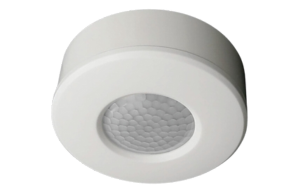
PIXIE Smart PIR Sensor — Indoor Ceiling Mount
PIXIE Smart PIR Sensor — Indoor
Ceiling Mount · Generation 3
Mount Ceiling — surface or flush mount
Detection 360° PIR, max. 8 m @ 24°C
Height Ideal 2.0–2.4 m
Operating modes 3 — Auto, Override-On, Override-Off
Hold time 10 seconds to 30 minutes (adjustable)
Max load 2800W resistive · 400VA LED · 100VA fan
Wiring 3-wire (Active, Neutral, Load)
Scheduling 24-hr, 7-day (with PIXIE PLUS app + gateway)
Connectivity Bluetooth Mesh
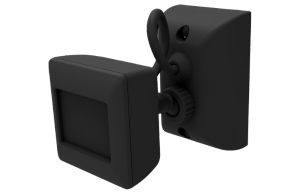
PIXIE Smart PIR Sensor Outdoor — White PIXIE Smart PIR Sensor Outdoor — Black
PIXIE Smart PIR Sensor — Outdoor
Wall Mount · IP66 · White & Black
Mount Wall mount — white and black available
Weather rating IP66 — fully weatherproof
Detection PIR + PE (photoelectric), max. 12 m @ 24°C
Operating modes 4 — Auto, Override-On, Override-Off, Photocell
Hold time 10 seconds to 30 minutes (adjustable)
Max load 2000W resistive · 500VA LED · 120VA fan
Wiring 3-wire (Active, Neutral, Load)
Scheduling 24-hr, 7-day (with PIXIE PLUS app + gateway)
Connectivity Bluetooth Mesh
2 or 3-wire installation: both sensors require Active, Neutral, and Load wiring if you're electrician is going to use the relay to operate the load - they can also use PIXIE wireless mesh and set the sensor up to control other PIXIE devices wirelessly. They replace a standard PIR sensor and must be installed by a licensed electrician.
Not sure how many sensors you need, or where they should go? The free design service takes that off your plate entirely.
Get your free design
Free Design Service

Not sure where sensors should go?

Upload your floor plan and PIXIE's design team will map out the optimal sensor placement for your home, alongside lighting, dimmers, and everything else. Free, no obligation, back to you within two weeks.
Free · No obligation · Turnaround 10–14 business days
PIXIE Accessories

Increase the IQ of your smart home.

Extend your PIXIE system further with accessories that boost range, add integration with other systems, and give you more control options throughout your home, all within the same app.
View all accessories

Connectivity & Range

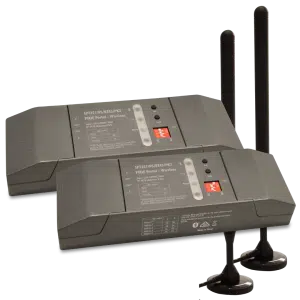
PIXIE Portal 120mtr Mesh Extender

PIXIE Portal — 120m Mesh Extender

Extends wireless control distance up to 120 metres in one direction, keeping distant devices in the same PIXIE network without internet involvement.
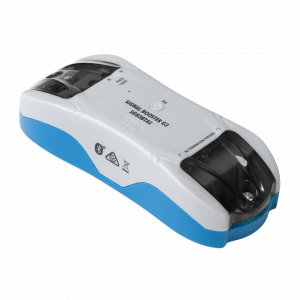
PIXIE Bluetooth Mesh Signal Booster

Bluetooth Mesh Signal Booster

Expands signal coverage of an established PIXIE network, extending control distances and improving stability in larger homes or challenging building materials.
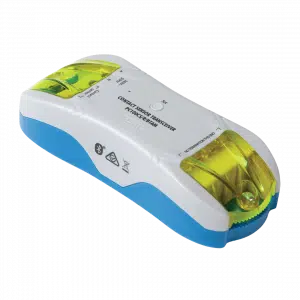
PIXIE Contact Sensor Transceiver

Contact Sensor Transceiver

Monitor gates, doors, and windows, or connect smoke detectors. Push notifications to your phone on any status change. Ideal for smoke alarm monitoring from anywhere.

Wireless Control

PIXIE Remote Control Button

Remote Control Button

Full multifunction control in a modern, compact form factor. Comes with magnets and 3M adhesive — stick it wherever control is needed, no wiring required.
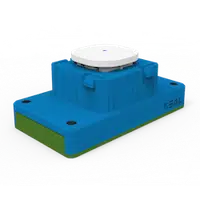
PIXIE Remote Control Mech

Remote Control Mech

All the power of a PIXIE Multifunction controller in a battery-powered mech. Fits most Australian wall plates — perfect where running a cable is impractical or too costly.
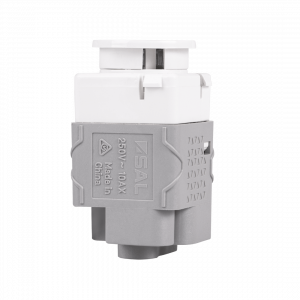
PIXIE Non-Smart Button and Momentary Mech

Non-Smart Button & Momentary

10AX non-smart switches designed to fit the PIXIE Ambience wall plate range. Available as Press Mech or Momentary Press Mech — keeps a uniform look when mixing smart and non-smart devices on the same plate.

System Integration & Load Control
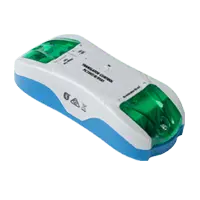
PIXIE 3rd Party Interfacing Module

3rd Party Interfacing Module

Integrate PIXIE with legacy home automation systems — CBUS®, Dynalite®, KNX®, Control4®, security systems, and AV systems via dry-contact outputs. No internet required.
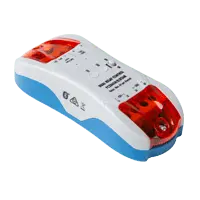
PIXIE Larger Load Relay Controller

Larger Load Relay Controller

Controls high-load devices: pool pumps, outdoor heaters, and floodlights up to 6A per output (two outputs). Full scheduling and remote control with automatic power-restore memory.
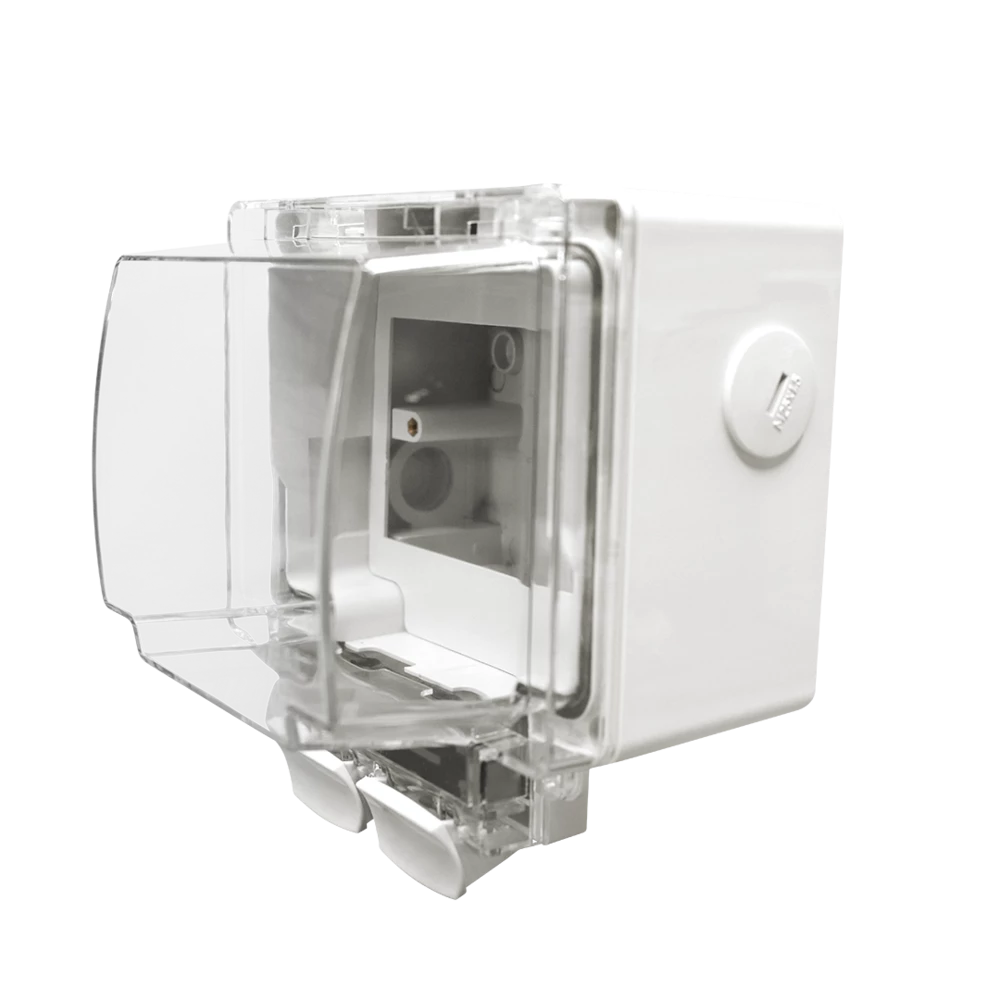
Weatherproof IP66 Enclosure

Weatherproof IP66 Enclosure

Purpose-designed to house PIXIE Smart Powerpoints and modules in outdoor conditions. IP66 rated with flex and plug connection — ideal for pool equipment, outdoor lighting, and exposed locations.

DC Fan Control Modules
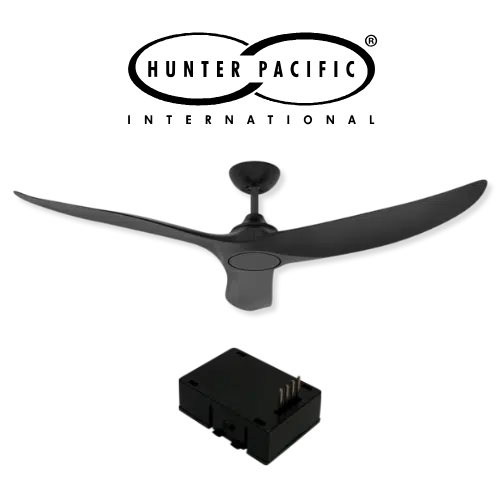
Hunter Pacific DC Fan Module — PIXIE

Hunter Pacific Ceiling Fan Module

Fit the PIXIE smart module (PIXIEMO98) into the ceiling fan receiver base to unlock 9-speed smart control for compatible Hunter Pacific DC V2 ceiling fans.
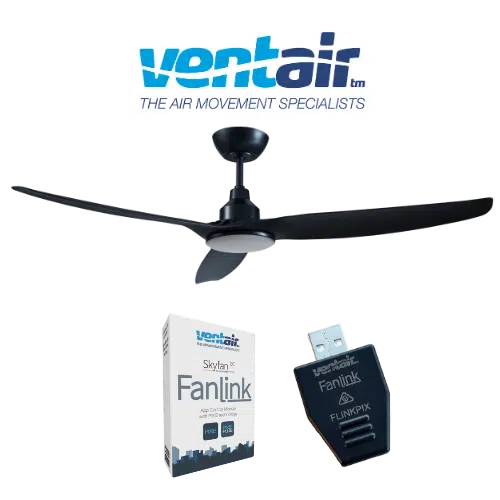
Ventair Skyfan DC FanLink — PIXIE

Ventair Skyfan DC FanLink

The Ventair Skyfan DC FanLink module (FLINKPIX) is recognised by PIXIE as a PIXIE Master device. Install. Scan. Control. — full scheduling, group control, and scenes immediately.
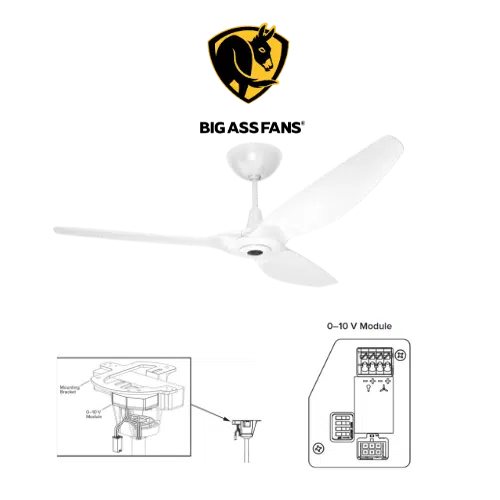
Big Ass Fans — PIXIE

Big Ass Fan Module

PIXIE works with Big Ass Fans via the Big Ass fan 0–10V module (model 006352) paired with PIXIE 0–10V Controllers — enabling both fan speed and light control where the fan supports it.

Free, no obligation

Get your free PIXIE smart home design.

Upload your floor plans and our team will mark up exactly where each product goes plus a complete bill of materials your electrician can quote from. Up to 3 revisions, a free 15-minute Zoom call included. Start your free design