
Connected Home

Your home, responding to you.

"Hey Google, goodnight." Two words and the house winds down. Lights fade across every room. The ceiling fans shift to sleep mode. Doors lock. Outdoor sensors come on. In the time it takes to close your eyes, your home is already set for the night.
PIXIE connected home — living room with smart home control
How It Works

One system. Everything working together.

Your home becomes smart through three invisible layers — no rewiring, no I.T. expertise, no new infrastructure.

📡
Bluetooth Mesh

PIXIE devices talk directly to each other, forming a self-healing wireless network throughout your home. No hub required for in-home control — and the more devices you install, the stronger the network.

🔌
PIXIE Gateway

Plug the Gateway into your router for voice control, remote access from anywhere, and Works With integrations — Google, Alexa, Sonos and more. Works with any standard home Wi-Fi or modem.

📱
PIXIE Plus App

One app controls every device in every room. Create scenes, set schedules, manage user access, and control your whole home from anywhere — iOS and Android.

cn-1
Built to connect. Here's how you talk to it.
Voice Control

Tell your home what to do. Or let it figure it out.

Link PIXIE to Hey Google, Amazon Alexa, or Siri Shortcuts and your voice becomes the remote. Or create scenes and schedules — and your home responds before you even ask.


"Hey Google, I'm working from home"
Study lights on, blinds to 50%, AC adjusts to your preferred temperature
"Alexa, movie time"
Living room dims to 20%, blinds close, ceiling fan switches to low
"Hey Siri, good morning"
Bedroom lights gradually brighten, blinds open, ceiling fan switches off
Works with
Hey Google
Hey Google
Google Home & Google Assistant — voice and app control
Amazon Alexa
Amazon Alexa
Alexa voice commands and routines via Echo devices
Siri Shortcuts
Siri Shortcuts
Voice commands and automations via iPhone, iPad & Apple Watch
IFTTT
IFTTT
Connect PIXIE to hundreds of services with custom automations
cn-2
Voice for when your hands are full. One tap on your watch for when they're not.
Apple Watch + App

One tap. Your home opens up.

You're in the car, pulling into the street. One tap on your watch — before you've switched off the engine, the garage door is already moving. Step out and the pathway is lit. Inside, the AC has already adjusted to your preferred temperature. PIXIE doesn't wait to be asked.
🎬
Scenes

One command adjusts lights, fans, AC and blinds together. One tap for any moment.

Schedules

Set it once. Lights come on at sunrise. Fans wind down at bedtime. Your home runs your routine.

🌐
Remote access

Left something on? Turn it off from anywhere in the world via the PIXIE Plus App.

👥
User permissions

Give each family member access to their rooms — and nowhere else. Your home, your rules.
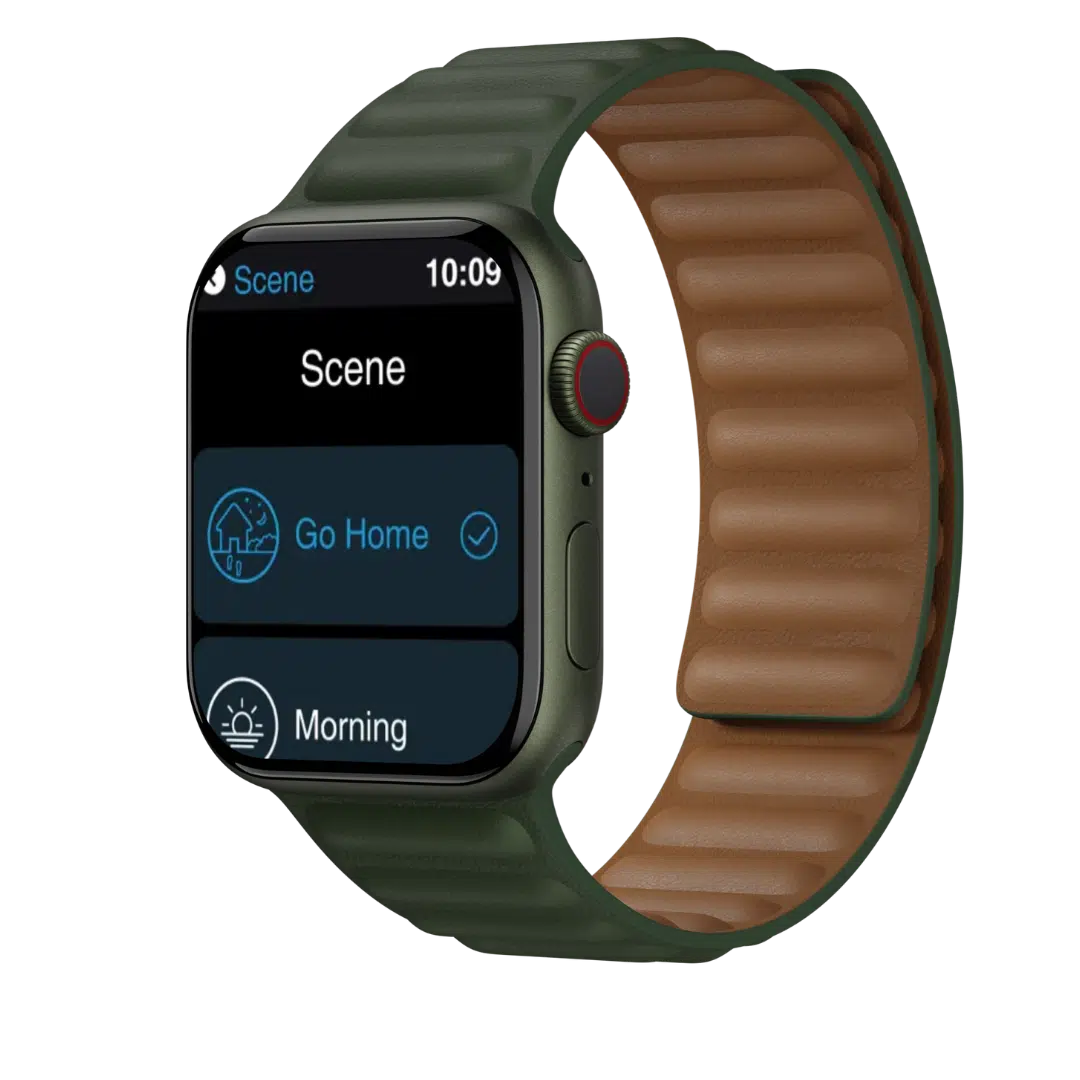
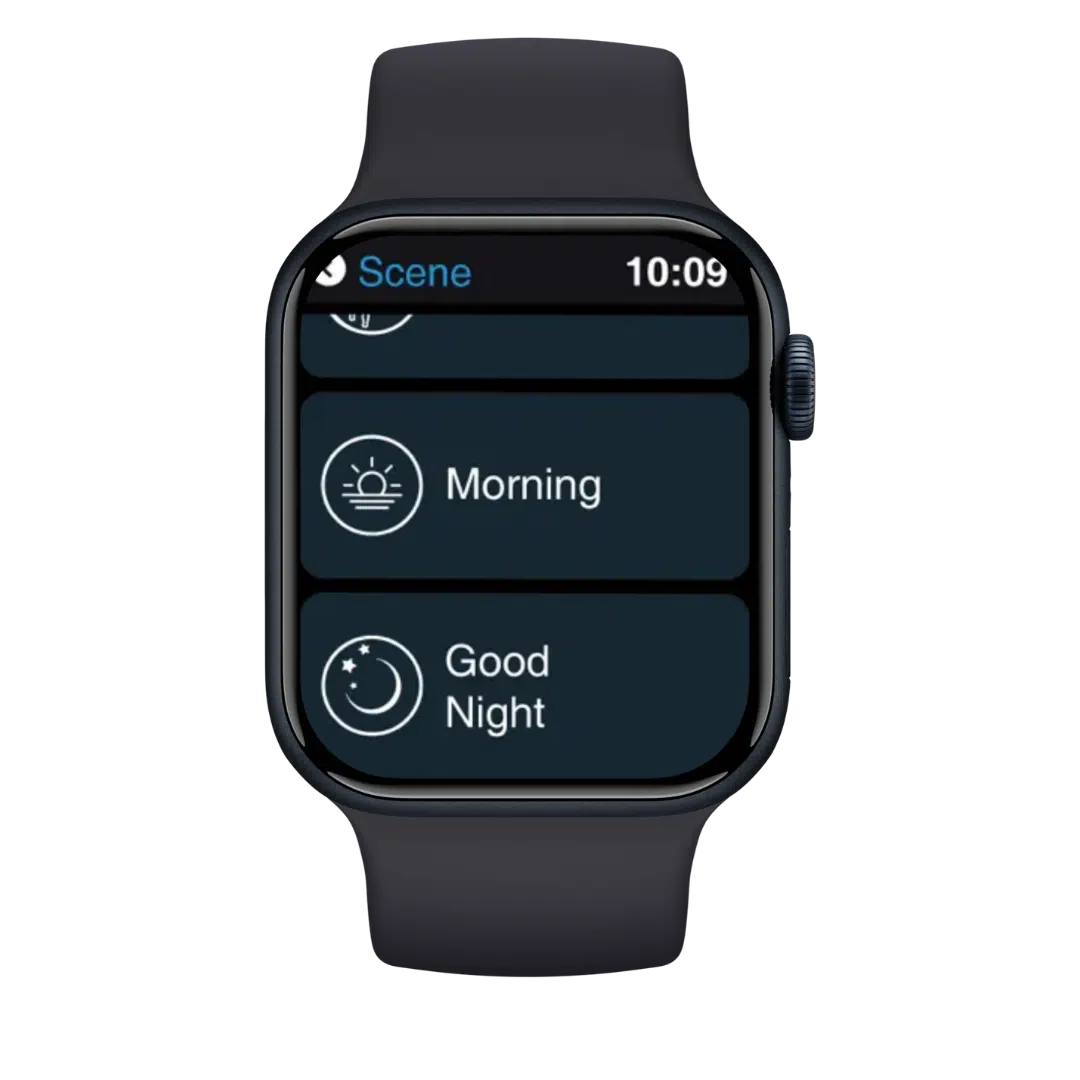
PIXIE smart home control on Apple Watch
PIXIE app control on Apple Watch

Not sure what your home needs? Get a free floor plan review from our design team, no obligation.

Get your free design
cn-3
Control isn't just switches and schedules. It's the whole atmosphere.
Music & Scenes

Set the mood. Your home follows.

Connect PIXIE to Sonos and Spotify and your home becomes a living environment — not just a collection of devices. A single scene can dim the lights, lower the blinds, adjust the temperature, and start your playlist. All at once.

Example scenes
🌅
Morning
Lights gradually brighten, blinds open, ceiling fan off, morning playlist starts
🎬
Movie night
Living room dims to 20%, blinds close, AC on, Sonos off
🍽️
Dinner
Dining lights warm and bright, kitchen fan on low, dinner playlist plays
🌙
Goodnight
All lights off, fans to sleep mode, music off, doors lock
Also works with 🎵 Sonos 💚 Spotify 📱 Samsung SmartThings
PIXIE smart home — Croft Brighton luxury residence
Apps & Integrations

The PIXIE Apps. Works with PIXIE.

Control your home from anywhere with the PIXIE PLUS app, and connect to the smart home ecosystem you already use.
The PIXIE Apps

You're in control.

PIXIE PLUS app The PIXIE PLUS app puts your lights, fans, blinds, and more in the palm of your hand. Create schedules, build scenes, manage household access, and control everything from anywhere, whether you're home or away.
Scenes & schedules Set Welcome Home, Goodbye, and time-based scenes. 7-day schedules for any load.
Human Centric Lighting Activate HCL mode to automatically colour-tune your lights throughout the day.
Multi-user & unlimited homes Add family members with their own access levels. Manage multiple properties from one login.
Voice & remote control Works with Google Home, Amazon Alexa, and Siri Shortcuts. Control from anywhere.
Works with PIXIE

Your home.
Your ecosystem.

PIXIE keeps smart homes simple to use, easy for electricians to set up, and able to work seamlessly with compatible systems from other brands. No need to be an I.T. expert.

PIXIE Works With ecosystem
Hey Google
Amazon Alexa
Siri Shortcuts
Apple Watch
Samsung SmartThings
IFTTT
Sonos
Spotify
Discover what PIXIE works with
cn-4
And behind all of it, you stay in complete control of who can do what, and when.
"

There's not a lot of systems that do it all in one.

Ramsey Croft, Croft Brighton Residence — luxury 3-storey home, Melbourne Read the case study →
Access & Security

You decide who controls what.

Your home, your rules. PIXIE gives you complete control over who has access to which rooms, which devices, and when — from anywhere, at any time.

📵
Override anything, from anywhere

Left a light on? Forgot to lock up before leaving? Turn off any device or lock any door from the other side of the world via the PIXIE Plus App.

🏠
Every family member, their own zone

Give each person in the house access to their own rooms — and their rooms only. Kids control their bedroom. No one's adjusting the living room settings uninvited.

Take it back immediately

Remove someone's access instantly. No reset, no technician, no delay — one tap in the app and it's done.

"Sibling arguments about the living room lights? Give each of them control over their own room — and nothing else. Problem solved."
PIXIE smart home — family room with connected home security control
Free Design Service

Upload your floor plans. We'll handle the rest.

Not sure where to start? Our design team will review your floor plans and mark up exactly where every product goes — plus a complete bill of materials your electrician can quote from directly. No guesswork. No surprises.

1
Upload your floor plans

PDF, up to 15MB — submitted directly via the design page. You choose which features and integrations matter most.

2
We mark it all up

Our team returns your floor plans with product locations, quantities, and a complete bill of materials — ready to go.

3
Your electrician quotes from the BOM

The bill of materials goes straight to your installer or wholesaler for pricing. No estimating from scratch. No surprises.

"No other smart home vendor in Australia does this for you, for free, for every project."
Get your free smart home design

Up to 3 revisions  ·  Free 15-minute Zoom call included  ·  10–14 working day turnaround  ·  No obligation

If your electrician isn't yet PIXIE-trained, we'll arrange that at no cost to you.