

Smarter living, one power point at a time.
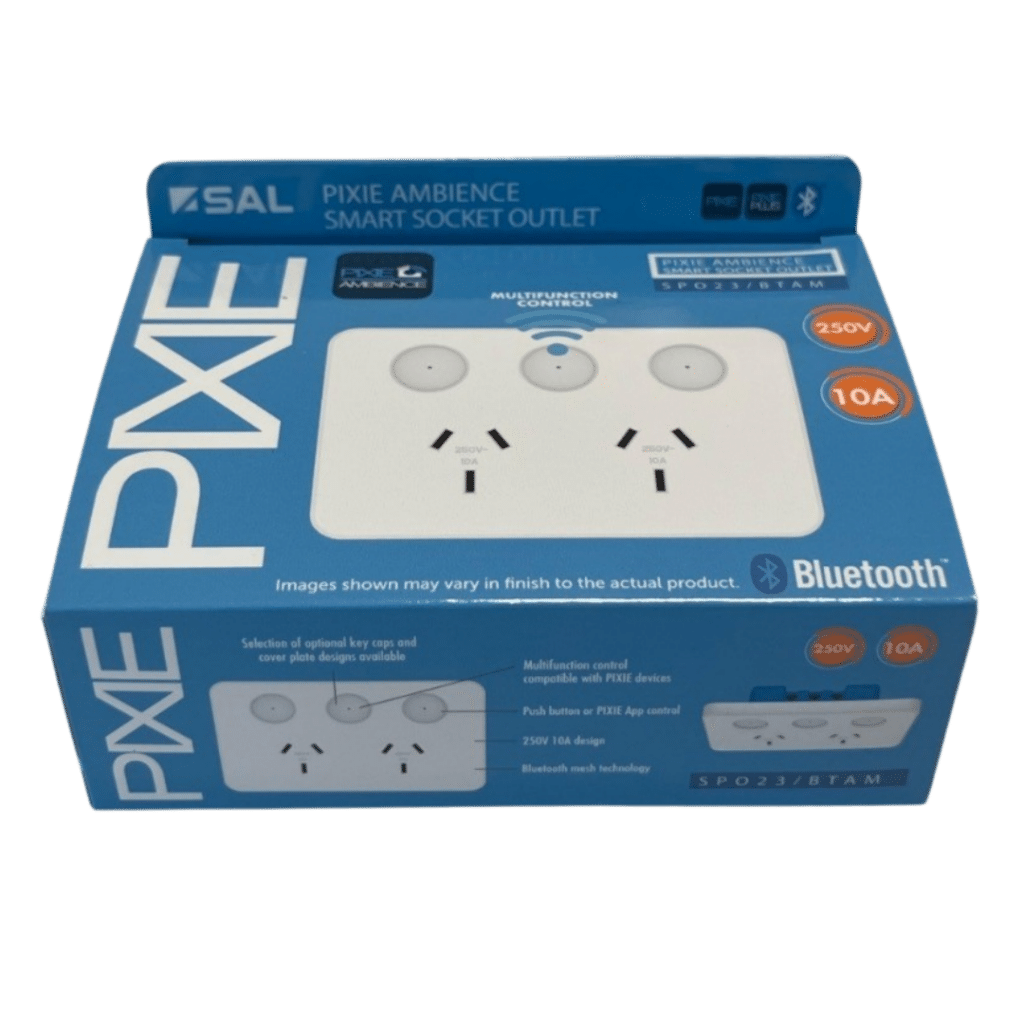
Bluetooth® mesh smart control for everything you plug in, with four interchangeable faceplate styles, tactile buttons with LED indicators, and a multipurpose middle button that controls any PIXIE device in your home.
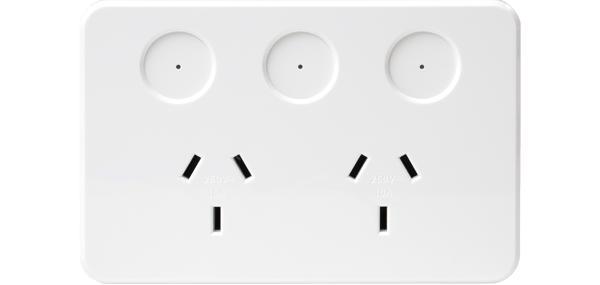
Your power points, your style.
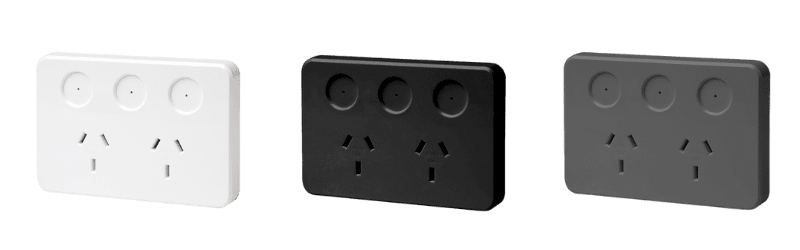
Four faceplate designs, each crafted to complement a different interior aesthetic. Choose one style per room, mix across the home, and swap them any time your taste evolves. No tools required to change the cover; no compromise on the smarts underneath.
Classic square surround in gloss white: clean and universal across any interior.
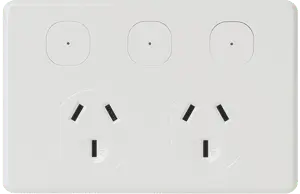
Bevelled edges for homeowners who prefer a traditional, timeless look.
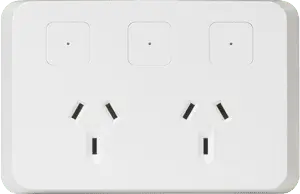
Clean, flat lines for a contemporary minimalist finish in newer homes.
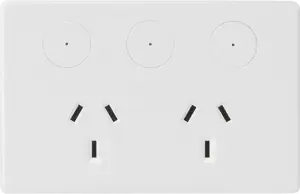
Circular button surround with a distinctive, premium designer look.
What every PIXIE smart power point does for you.
24/7 Socket Schedules
Set individual on/off schedules for every socket: morning coffee, garden lights, or standby power savings, automatically.
Independent Dual Sockets
Each socket is controlled and scheduled separately: different devices, different routines, from the one power point.
No Wi-Fi Required
Bluetooth® mesh technology keeps you in control at home, even when the router or internet connection goes down.
Voice Control
Works with Google Home, Amazon Alexa, and SIRI Shortcuts. Control every socket with a simple voice command.
Safer charging. Automatic. Every time.
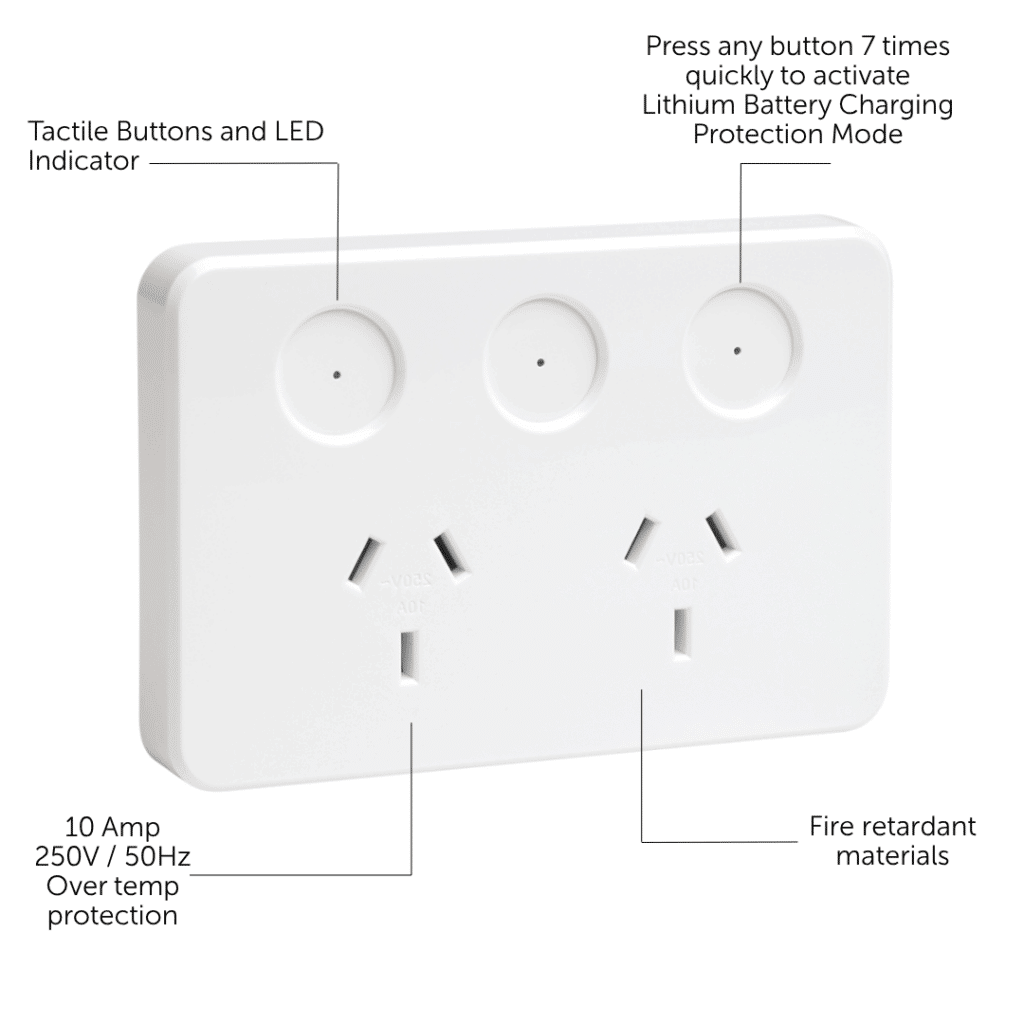
Lithium Battery Charging Protection Mode on the PIXIE Smart GPO gives aged care and retirement village operators a simple, built-in 8-hour automatic shut-off for every charging socket: with no app, no programming, and no internet connection required.
Three steps. Then it runs itself.
Your licensed electrician installs the PIXIE Smart GPO and activates protection mode during the same visit. After that, there is nothing more to do.
Electrician installs & activates
The PIXIE Smart GPO SPO23BTAM is installed into the wall and Lithium Battery Charging Protection Mode is activated using simple button presses on the device. No app setup required.
Resident plugs in and switches on
The socket works exactly like a normal power point. Residents plug in their mobility scooter, e-bike, power chair or other device and turn it on as they normally would.
Automatic shut-off after 8 hours
The socket switches itself off after 8 hours: automatically, every time, without any input from residents or staff. No schedules to manage. No reminders needed.
Built for the way retirement living actually works.
Resident Apartments & Villas
Ideal for individual dwellings where residents charge mobility scooters, power chairs or personal battery devices and site management wants a consistent, reliable shut-off without resident involvement.
Shared Charging Areas
Common areas and utility rooms where staff want straightforward, consistent operation — without needing to manage app-based schedules or check on individual outlets throughout the day.
Refurbishment Programs
Well suited to staged upgrades where sites want a practical, immediate improvement today, while keeping the option to expand into broader PIXIE smart control later using the same device.
A simple solution that doesn't become a dead end.
The PIXIE Smart GPO works as a fully standalone charging protection device from day one, no gateway, no app, no network. But if the site later wants more, the same device can be brought into a full PIXIE system without replacement.
Download the one-page feature flyer
Share the Lithium Battery Charging Protection Mode summary with facility managers, project coordinators or your electrician, everything they need on one page.
Turn any appliance into a smart one.
Every PIXIE smart power point gives you 24 hour, 7 day scheduling for each socket independently. That's a lot of control over the appliances and devices you rely on every single day.
Everything your electrician installs, everything you control.
Child Lock
Built-in child lock per socket stops small fingers from operating the buttons. Activate or deactivate from the PIXIE app or directly at the power point.
Power Monitor
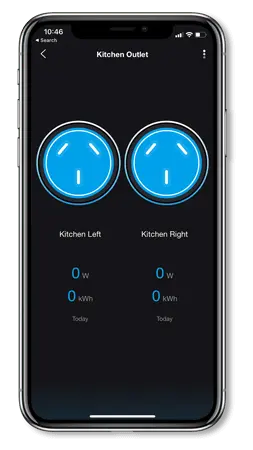
Check how much energy each socket has consumed in the last 24 hours, directly from the PIXIE app. Know exactly what's drawing power.
History Log
A complete 7-day log of who, or what, controlled which socket, at what time, and from where. Full visibility for complete peace of mind.
Access Control
Define exactly who can control what and when, home-only or with remote access — and update permissions instantly from the app, any time.
Remote Access
Add the PIXIE Gateway and monitor or control your power points from anywhere in the world, not just from within the home.
Simple to Install
Designed for standard Australian wiring: the front face is slightly larger than most existing power points to cover the existing hole cleanly when swapping over.
Save Energy Automatically
Controlling plugged-in devices with daily schedules is one of the simplest ways to reduce standby power consumption throughout the whole home.
Switch, App or Voice
Control from the tactile button on the power point, the PIXIE app on your phone, or by asking Google, Alexa, or Siri — your choice, every time.
Control Groups & Scenes
Group multiple power points together or link them into scenes, control a whole room or trigger a set of actions with a single tap or command.
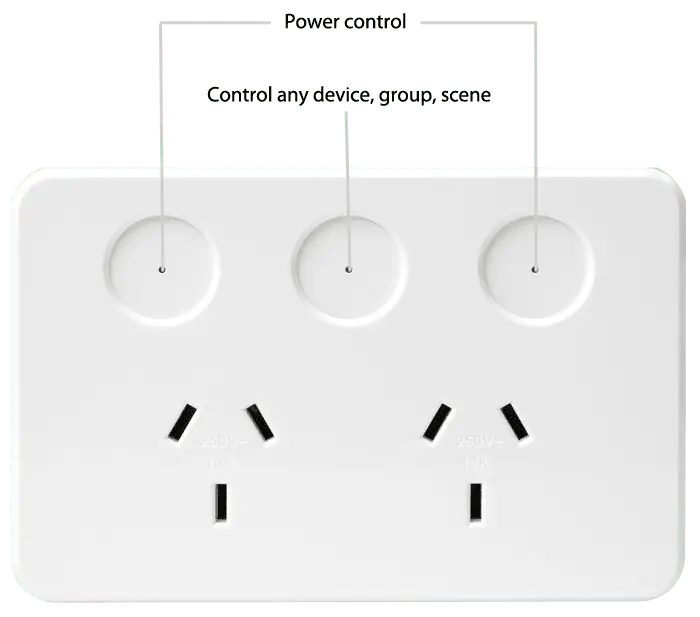
One button. Endless possibilities.
That extra button in the centre of every PIXIE smart power point isn't decorative, it's a configurable control that pairs with any PIXIE device, group, or scene in your home. Change what it does any time, directly from the app.
Kitchen
Pair the middle button to your lights, extractor fan, patio lights, or the entertaining scene, all without leaving the kitchen bench.
Bathroom
Pair it to your IXL®, heat lamps, or LED strip around the mirror. Warmth and ambience exactly where you need it, from the one spot you're already standing.
Changed your mind?
Simply re-pair the button to something else in the app. No rewiring, no fuss, the smarts update instantly.
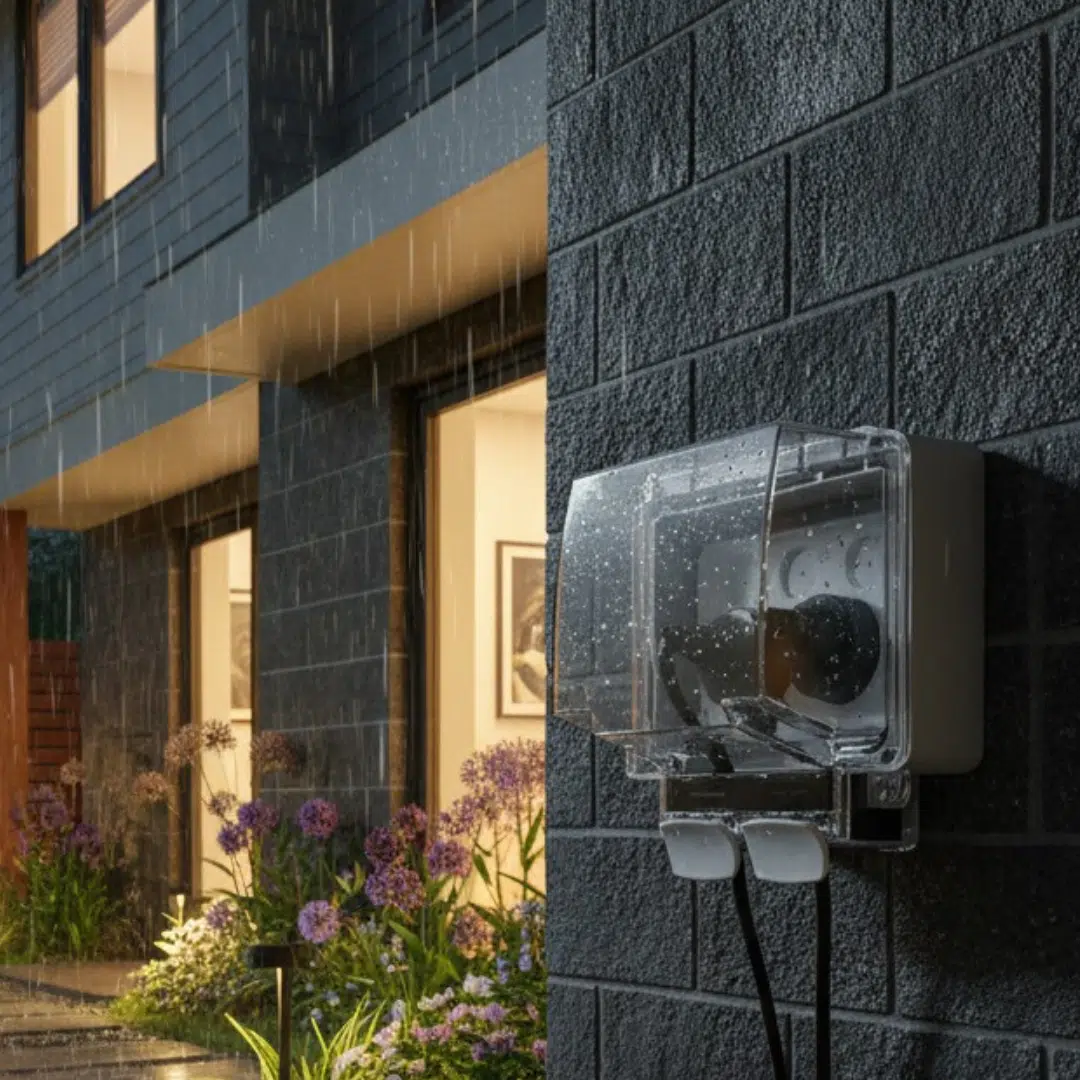
Safe & dry, whatever the weather.
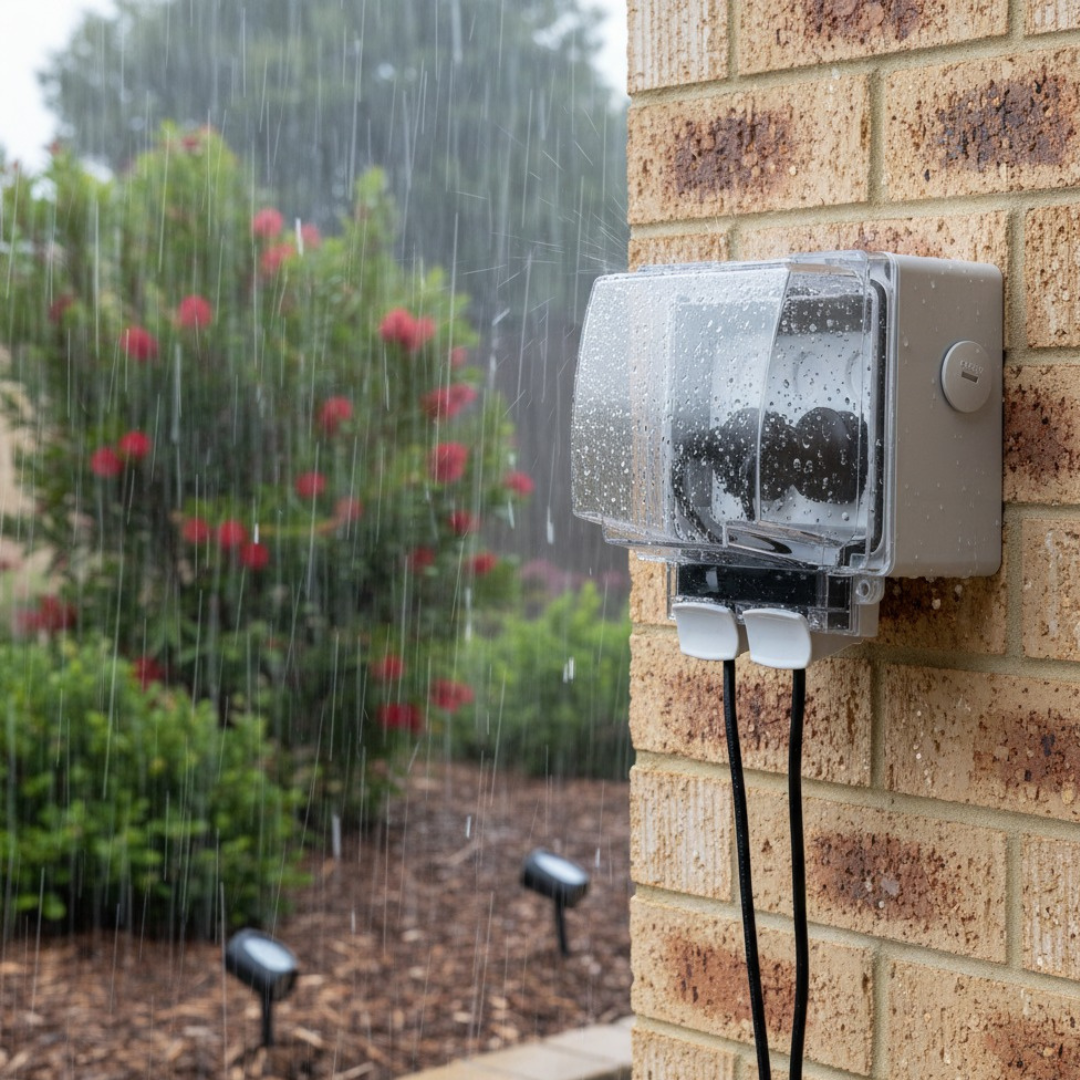
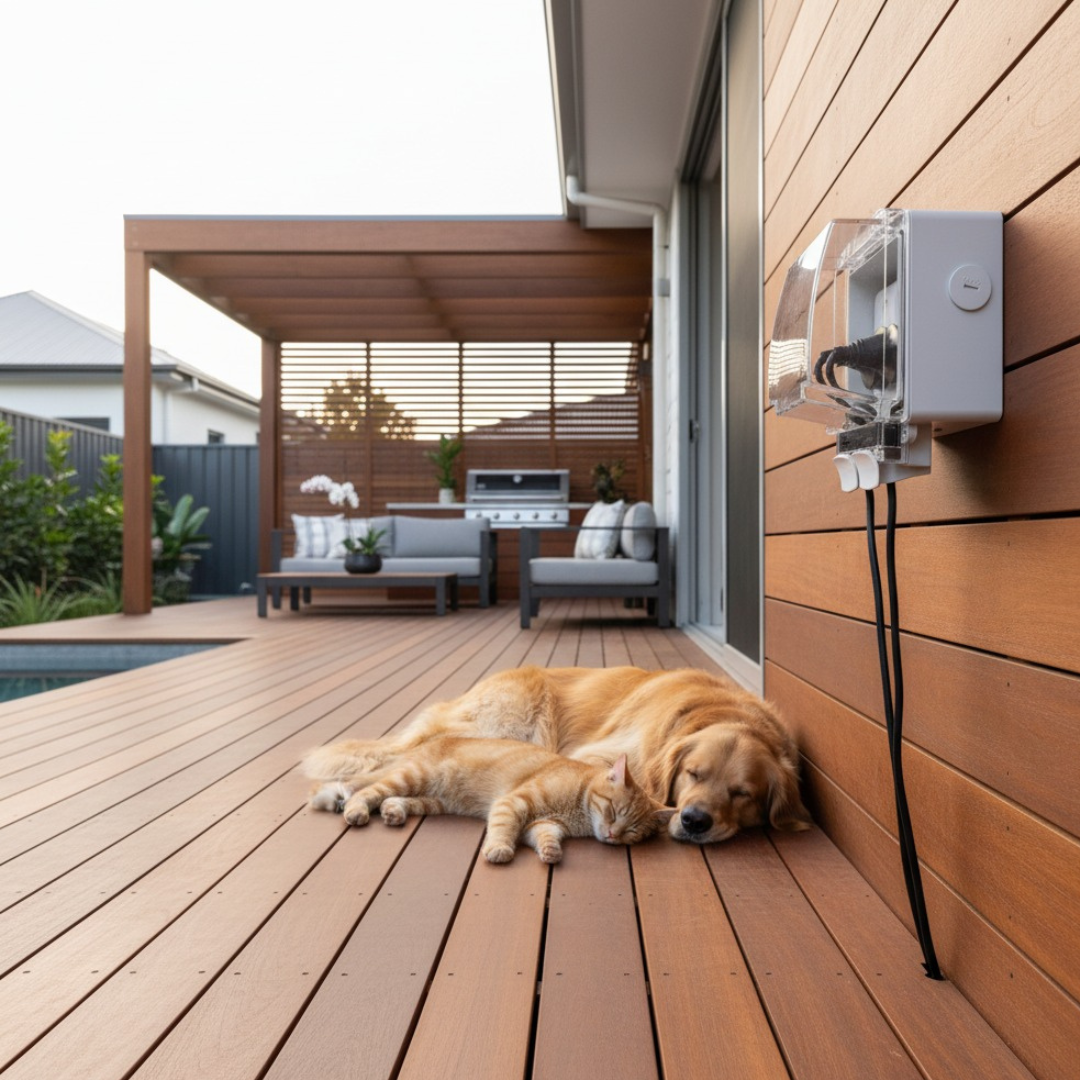
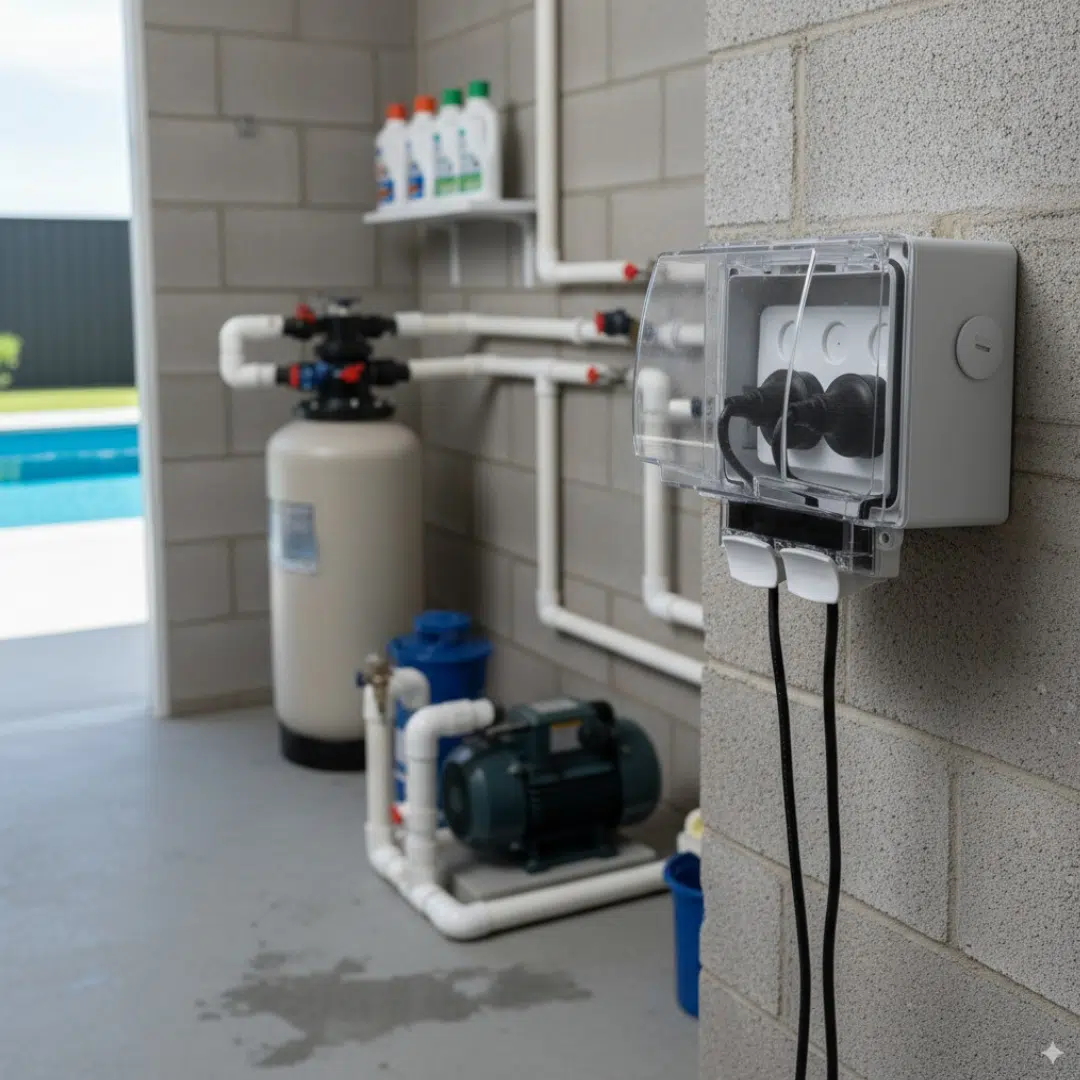
Take PIXIE smart control outdoors without compromise. The IP66-rated weatherproof enclosure is designed for Australian UV conditions, with full IP66 protection maintained even when plugs are connected and in use.
- IP66 rated — rain, dust and direct water spray resistant
- IK09 impact rated for harsh outdoor environments
- Latching clasps with padlock fitment option
- Full IP66 maintained with standard plugs connected and in use
- 4 conduit entry points with drain plugs and knockouts
- Works with all PIXIE smart devices and standard Australian power points
- Designed specifically for Australian UV conditions
PIXIE Standard Power Points
A non-smart range of PIXIE power points is on the way, same quality, same build, same faceplate styles in Gloss White, Matt Black, and Matt Grey. Ideal for rooms where smart control isn't required, without sacrificing aesthetic consistency across the home. Details coming soon.
Smart Power Points Product Specifications
Must be installed by a licensed electrician. For full documentation, visit the PIXIE Partners downloads hub.
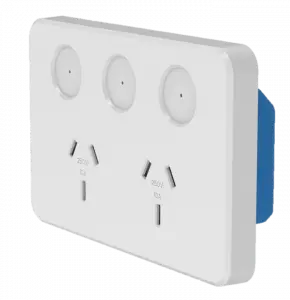
PIXIE Smart Double Power Point
Smart GPO — Bluetooth® Mesh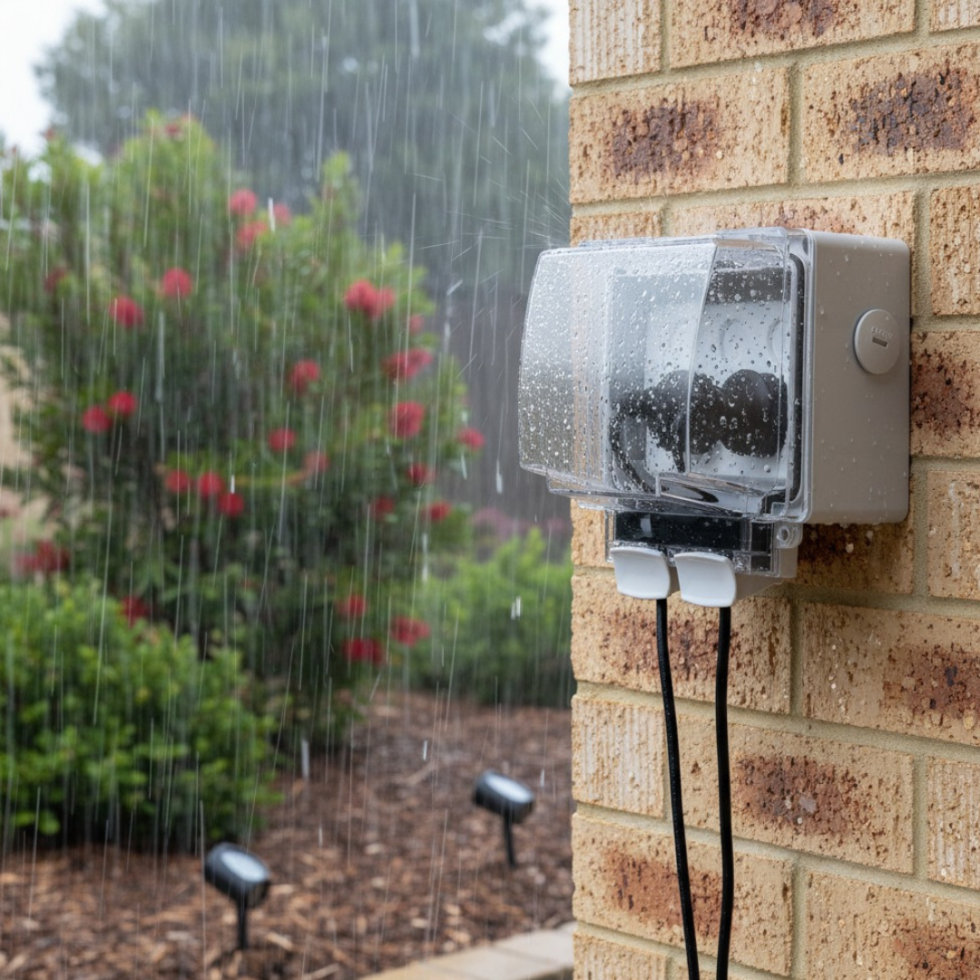
PIXIE IP66 Weatherproof Enclosure
IP66 Weatherproof CompanionOrder the right cover for your home.
PIXIE smart power points come in four faceplate styles across three colour finishes. Your electrician orders the device and cover together, or covers can be ordered separately to change the look later — no tools required.
Not sure which power points suit your home?
Upload your floor plans and a PIXIE smart home design expert will put together a free, no-obligation recommendation, including exactly which products go where, in every room.
Upload your floor plansIncrease the IQ of your smart home.
Extend your PIXIE system further with accessories that boost range, add integration with other systems, and give you more control options throughout your home, all within the same app.Connectivity & Range
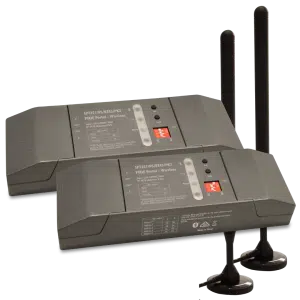
PIXIE Portal — 120m Mesh Extender
Extends wireless control distance up to 120 metres in one direction, keeping distant devices in the same PIXIE network without internet involvement.
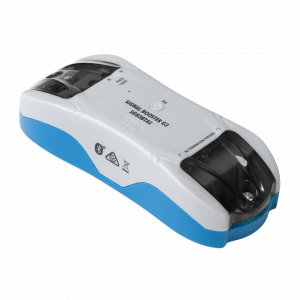
Bluetooth Mesh Signal Booster
Expands signal coverage of an established PIXIE network, extending control distances and improving stability in larger homes or challenging building materials.
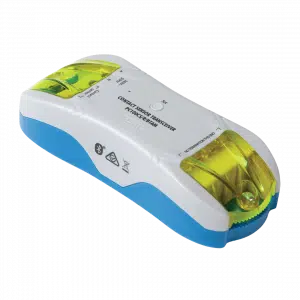
Contact Sensor Transceiver
Monitor gates, doors, and windows, or connect smoke detectors. Push notifications to your phone on any status change. Ideal for smoke alarm monitoring from anywhere.
Wireless Control
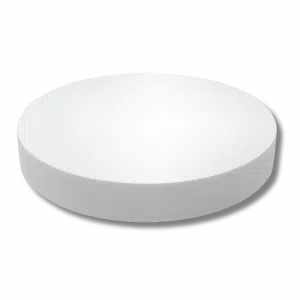
Remote Control Button
Full multifunction control in a modern, compact form factor. Comes with magnets and 3M adhesive — stick it wherever control is needed, no wiring required.
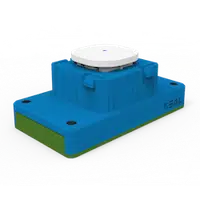
Remote Control Mech
All the power of a PIXIE Multifunction controller in a battery-powered mech. Fits most Australian wall plates — perfect where running a cable is impractical or too costly.
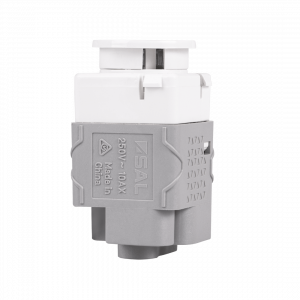
Non-Smart Button & Momentary
10AX non-smart switches designed to fit the PIXIE Ambience wall plate range. Available as Press Mech or Momentary Press Mech — keeps a uniform look when mixing smart and non-smart devices on the same plate.
System Integration & Load Control
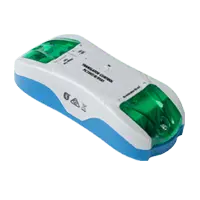
3rd Party Interfacing Module
Integrate PIXIE with legacy home automation systems — CBUS®, Dynalite®, KNX®, Control4®, security systems, and AV systems via dry-contact outputs. No internet required.
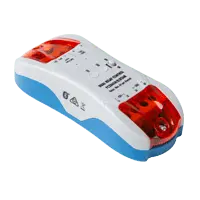
Larger Load Relay Controller
Controls high-load devices: pool pumps, outdoor heaters, and floodlights up to 6A per output (two outputs). Full scheduling and remote control with automatic power-restore memory.
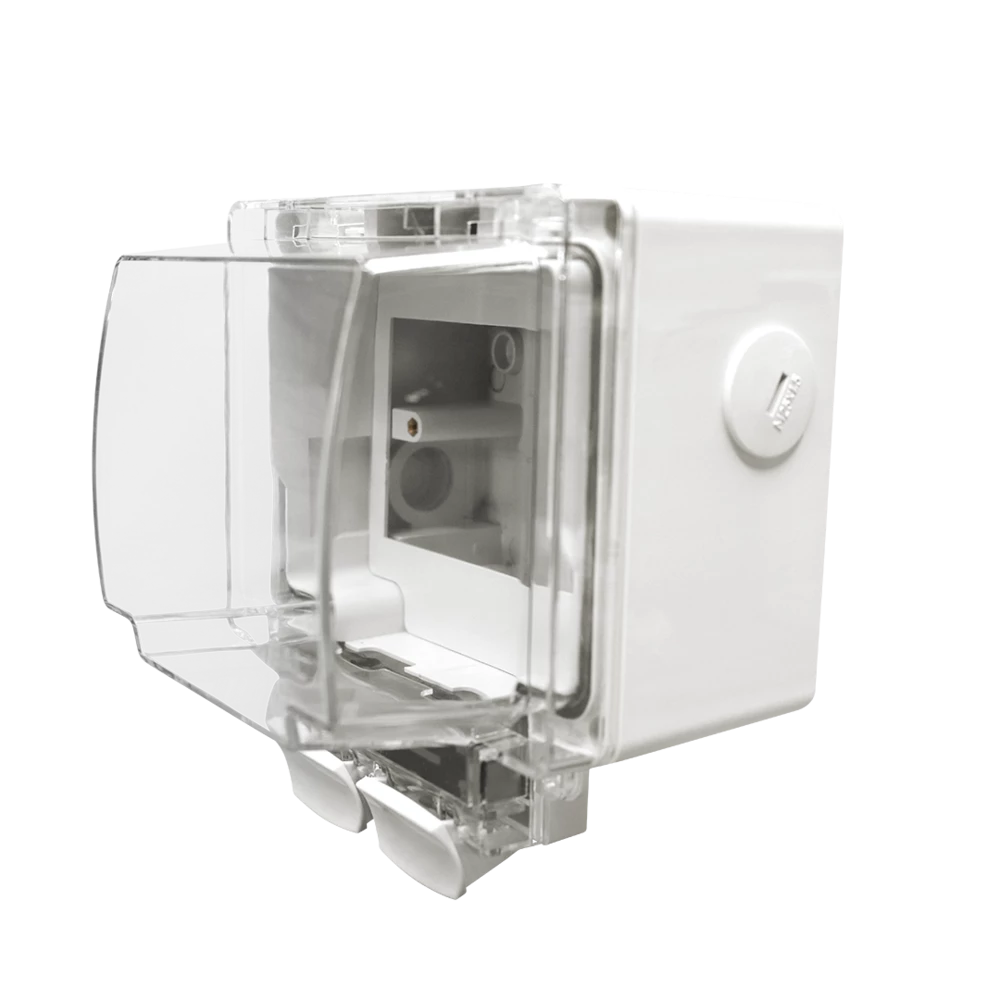
Weatherproof IP66 Enclosure
Purpose-designed to house PIXIE Smart Powerpoints and modules in outdoor conditions. IP66 rated with flex and plug connection — ideal for pool equipment, outdoor lighting, and exposed locations.
DC Fan Control Modules
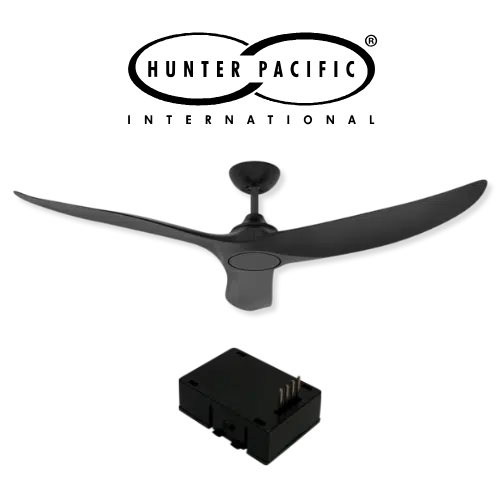
Hunter Pacific Ceiling Fan Module
Fit the PIXIE smart module (PIXIEMO98) into the ceiling fan receiver base to unlock 9-speed smart control for compatible Hunter Pacific DC V2 ceiling fans.
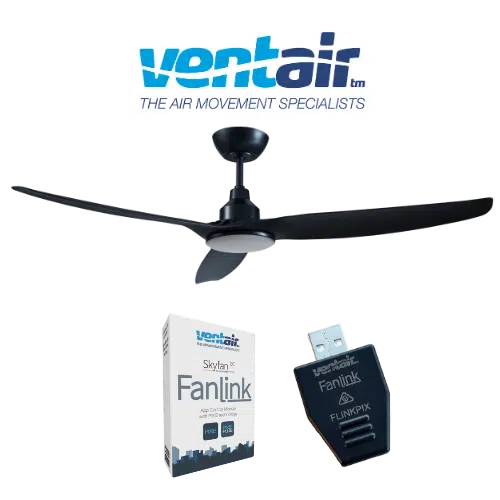
Ventair Skyfan DC FanLink
The Ventair Skyfan DC FanLink module (FLINKPIX) is recognised by PIXIE as a PIXIE Master device. Install. Scan. Control. — full scheduling, group control, and scenes immediately.
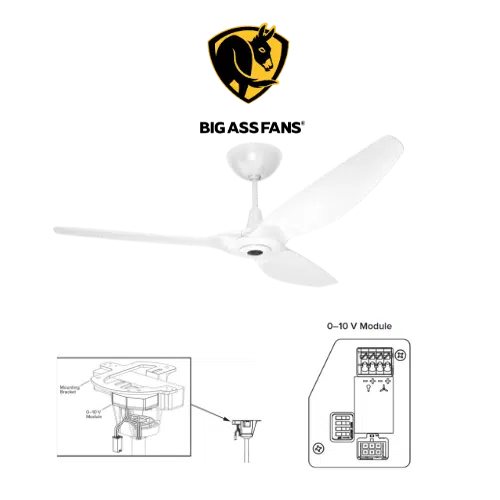
Big Ass Fan Module
PIXIE works with Big Ass Fans via the Big Ass fan 0–10V module (model 006352) paired with PIXIE 0–10V Controllers — enabling both fan speed and light control where the fan supports it.