

Your fan keeps running. Your bathroom stays fresh.
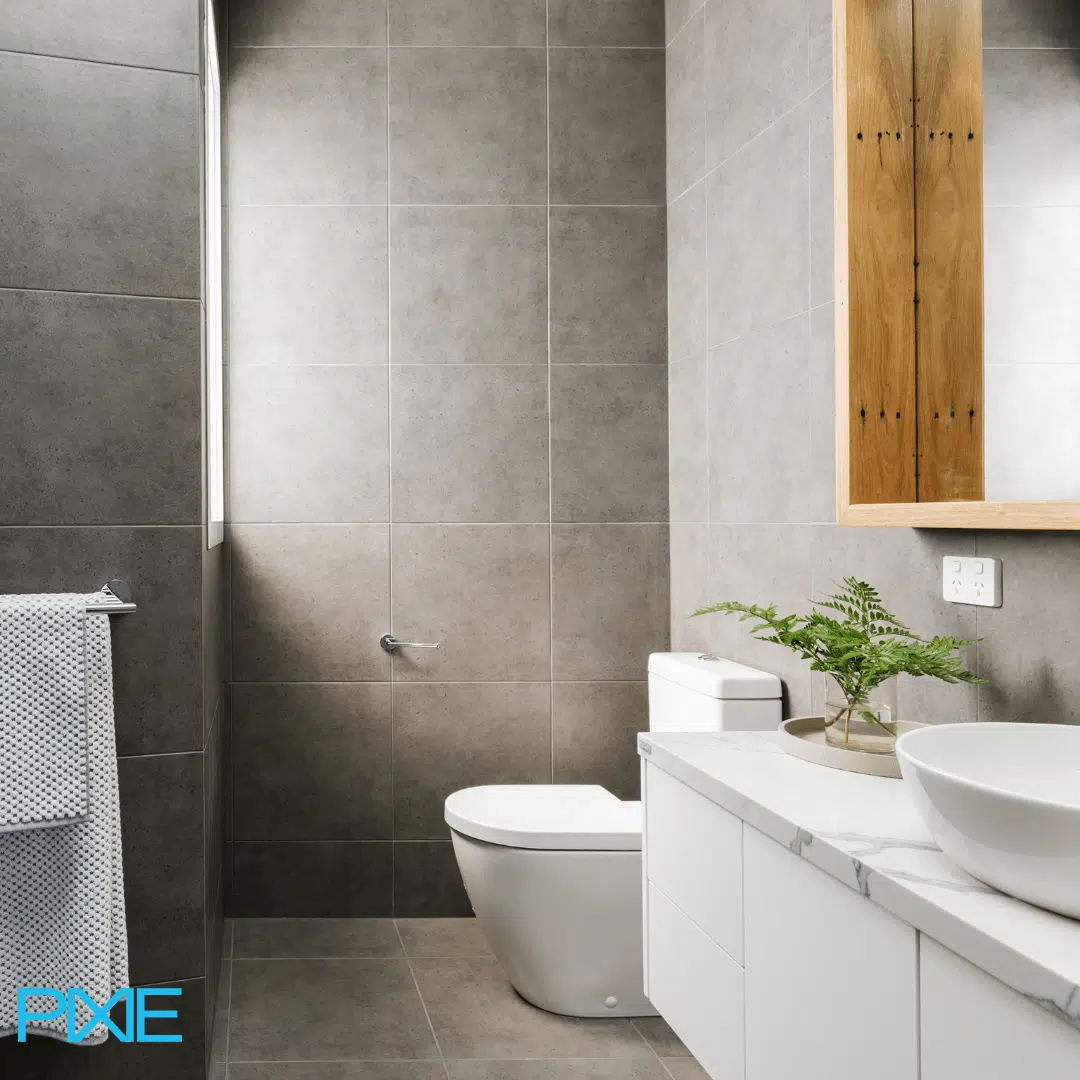
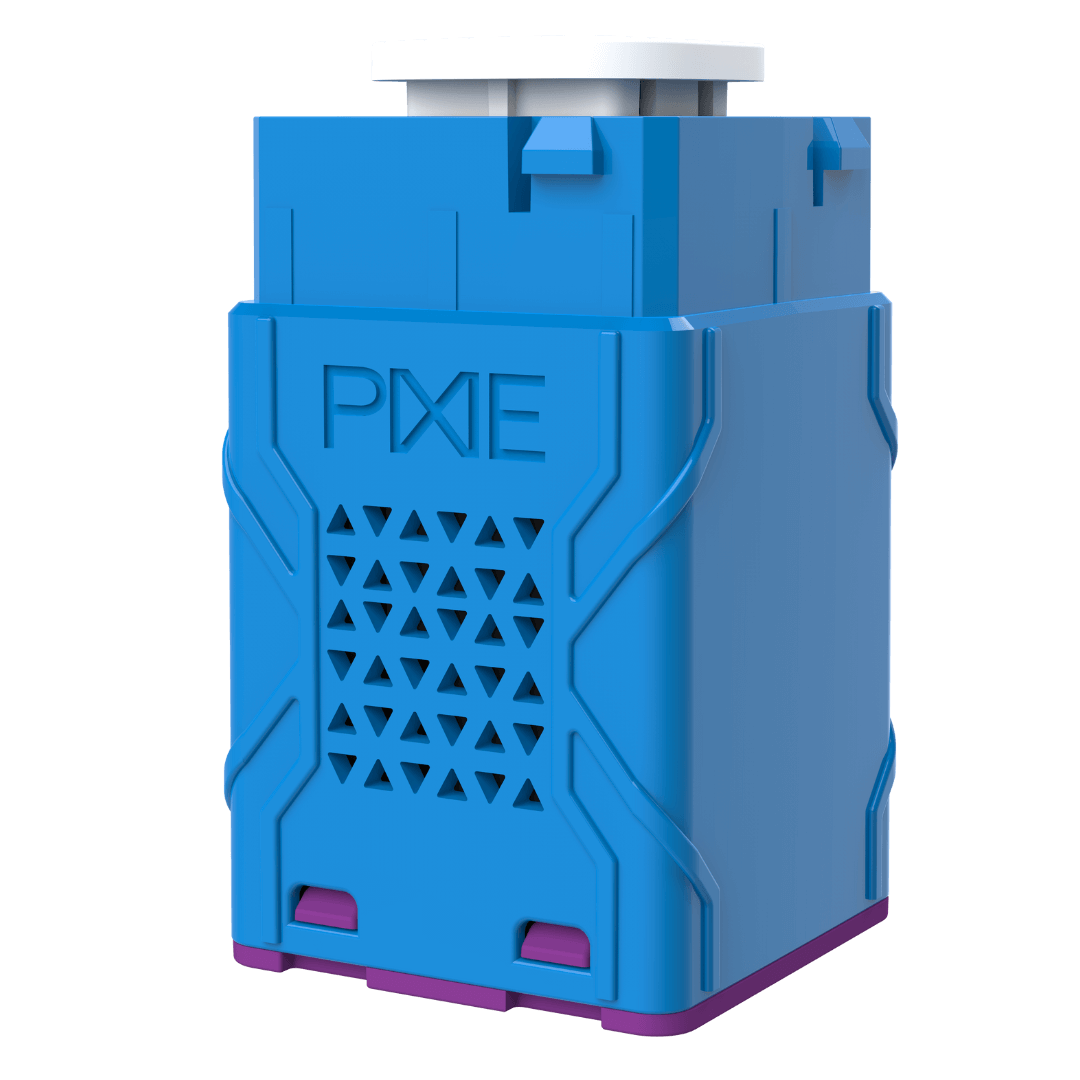
The PIXIE Smart Timer Switch controls your exhaust fan, heated towel rail, or any resistive load , automatically turning off after a set time, or running on a schedule you set once and forget. No internet needed. Works with most fans from most manufacturers.
Two modes. One switch. Every scenario covered.
Trigger it. Walk away. It turns itself off.
Trigger the switch manually or via a sensor, and the load keeps running for a set time after you leave. Set anywhere from 1 minute to 24 hours via the PIXIE PLUS app. Set in hourly increments manually on the device.
In the final minute before the timer expires, the LED indicator flashes to let you know it's about to turn off.
Set it once. It runs on its own every day.
Set the switch to turn on and off at specific times across the day, every day of the week. Set once in the PIXIE PLUS app and forget it.
You can customise the schedule per day, so weekday mornings and weekend mornings can have different timings.
Learn more about MASTERlink at pixiepartners.com.au →
Warm towels waiting. Every morning. Automatically.
Set a schedule for your heated towel rail to come on before your alarm. When you step out of the shower, your towel is already warm. The run-on timer keeps it running as long as you need, then turns it off on its own.
Combining schedules and run-on timers on the same switch gives you control at every level:
Every use case is covered without lifting a finger once it's set up.
Typical towel rail operation: morning schedule + run-on timer for additional use.
One sensor. One fan. Multiple bathrooms.
When you add PIXIE PIR sensors, the fan turns on automatically when someone enters the bathroom and keeps running on its own timer after they leave, regardless of how many people use other bathrooms connected to the same fan.
The sensor triggers it. The timer decides how long it runs.
PIXIE PIR sensors have a maximum hold time of 30 minutes. That's fine for lights, but a bathroom fan often needs longer to properly ventilate after a shower. The solution: let the sensor trigger the fan via MasterLink, but let the timer control how long it runs.
Shared fan, multiple bathrooms. It all just works.
When one fan serves multiple bathrooms, each bathroom has its own sensor wired to its own lights. Each sensor independently sends a MasterLink trigger to the fan timer, so when one bathroom empties, only its lights turn off — the fan keeps running until all bathrooms are clear and the timer completes its countdown.
The diagram shows exactly how this plays out across two rooms.
For homes with a PIXIE Gateway and PROGRAMode enabled, you can build logic that monitors the state of every sensor. When all bathroom sensors have timed out, PROGRAMode sends an off command to the fan immediately, rather than waiting for each sensor's individual delay. Particularly useful in large homes with two or three bathrooms sharing a single extraction system.
Available through your local electrical wholesaler. Ask for PIXIE: over 900 stockist locations nationally.
Three ways to use the button. That is all there is to it.
| 1 click | Start or stop the timer countdown |
| Long press (2 seconds) | Turn the load on and keep it on until you switch it off |
| 2 clicks while running | Restart the timer countdown from the beginning |
Want the timer, the sensors and the schedules working together from day one? We'll design the whole system for you.
Submit your plans. It's free.No cost. No obligation. Your plans in, your smart home system out.
Increase the IQ of your smart home.
Extend your PIXIE system further with accessories that boost range, add integration with other systems, and give you more control options throughout your home, all within the same app.Connectivity & Range
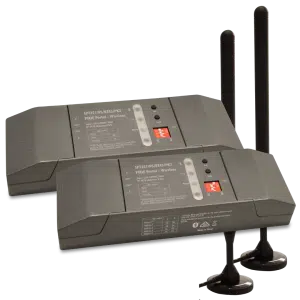
PIXIE Portal — 120m Mesh Extender
Extends wireless control distance up to 120 metres in one direction, keeping distant devices in the same PIXIE network without internet involvement.
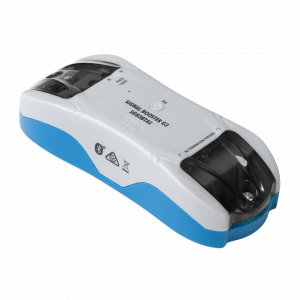
Bluetooth Mesh Signal Booster
Expands signal coverage of an established PIXIE network, extending control distances and improving stability in larger homes or challenging building materials.
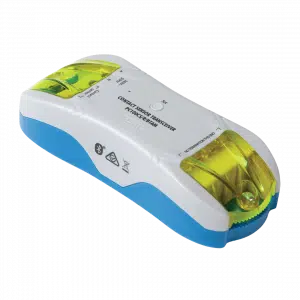
Contact Sensor Transceiver
Monitor gates, doors, and windows, or connect smoke detectors. Push notifications to your phone on any status change. Ideal for smoke alarm monitoring from anywhere.
Wireless Control

Remote Control Button
Full multifunction control in a modern, compact form factor. Comes with magnets and 3M adhesive — stick it wherever control is needed, no wiring required.
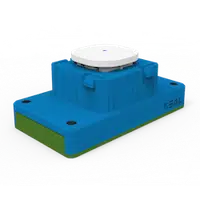
Remote Control Mech
All the power of a PIXIE Multifunction controller in a battery-powered mech. Fits most Australian wall plates — perfect where running a cable is impractical or too costly.
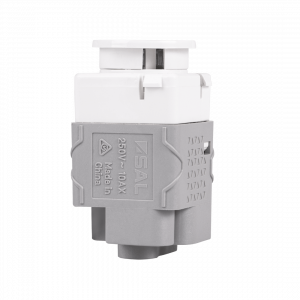
Non-Smart Button & Momentary
10AX non-smart switches designed to fit the PIXIE Ambience wall plate range. Available as Press Mech or Momentary Press Mech — keeps a uniform look when mixing smart and non-smart devices on the same plate.
System Integration & Load Control
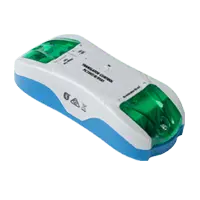
3rd Party Interfacing Module
Integrate PIXIE with legacy home automation systems — CBUS®, Dynalite®, KNX®, Control4®, security systems, and AV systems via dry-contact outputs. No internet required.
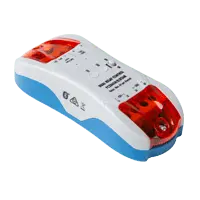
Larger Load Relay Controller
Controls high-load devices: pool pumps, outdoor heaters, and floodlights up to 6A per output (two outputs). Full scheduling and remote control with automatic power-restore memory.
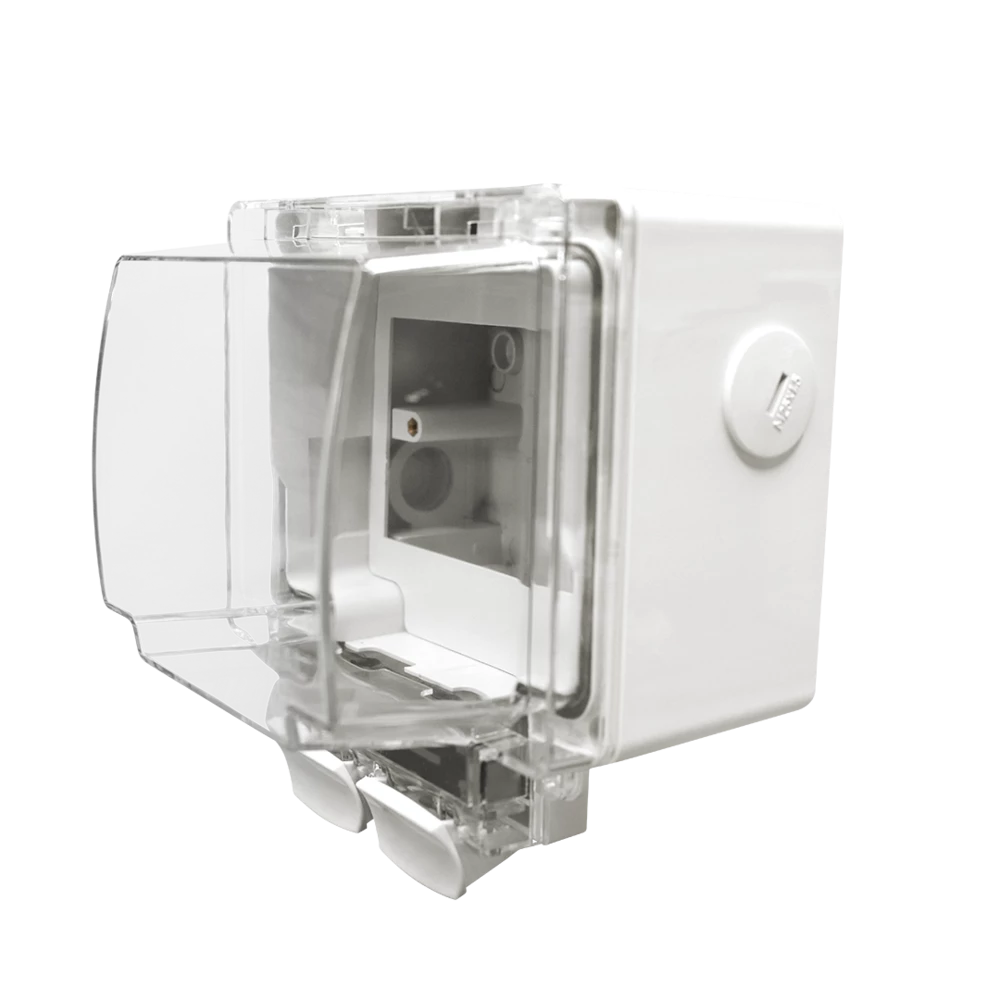
Weatherproof IP66 Enclosure
Purpose-designed to house PIXIE Smart Powerpoints and modules in outdoor conditions. IP66 rated with flex and plug connection — ideal for pool equipment, outdoor lighting, and exposed locations.
DC Fan Control Modules
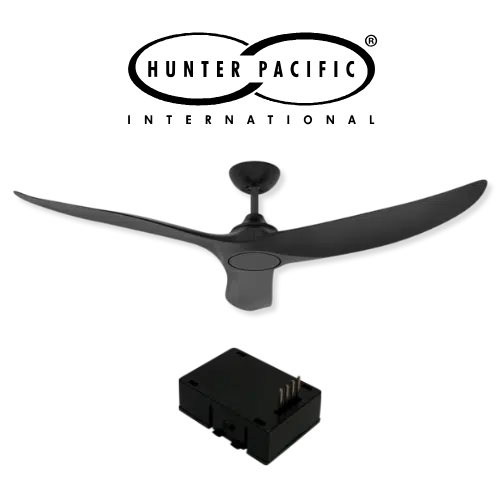
Hunter Pacific Ceiling Fan Module
Fit the PIXIE smart module (PIXIEMO98) into the ceiling fan receiver base to unlock 9-speed smart control for compatible Hunter Pacific DC V2 ceiling fans.

Ventair Skyfan DC FanLink
The Ventair Skyfan DC FanLink module (FLINKPIX) is recognised by PIXIE as a PIXIE Master device. Install. Scan. Control. — full scheduling, group control, and scenes immediately.
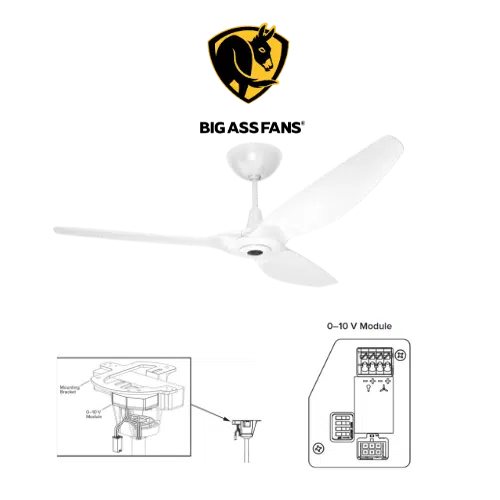
Big Ass Fan Module
PIXIE works with Big Ass Fans via the Big Ass fan 0–10V module (model 006352) paired with PIXIE 0–10V Controllers — enabling both fan speed and light control where the fan supports it.